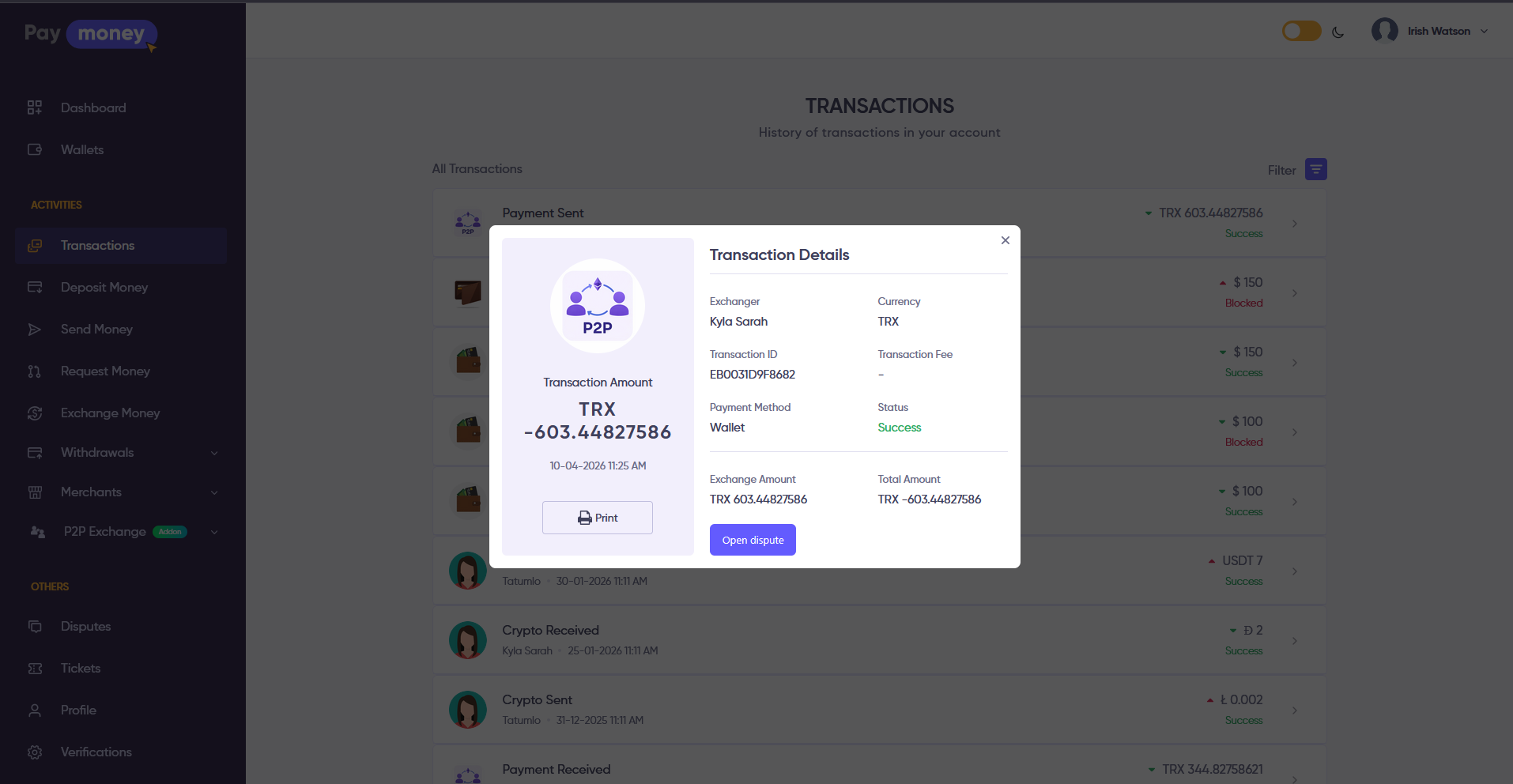
P2PXchange Module
Custom Features
P2PXchange - PayMoney Peer To Peer Buy/Sell Addon is an extension for Paymoney - Secure Online Payment Gateway. It adds a peer-to-peer (P2P) marketplace where users publish buy or sell offers (crypto and fiat), other users start trades against those offers, and both sides complete the deal inside a trade room with timers, payment instructions, payment proof, crypto release, optional feedback, and in-trade chat. An optional Node.js (Socket.IO) server can push chat and trade updates in real time; without it, the same features work using HTTP polling.
Manage P2P exchange regions from admin panel
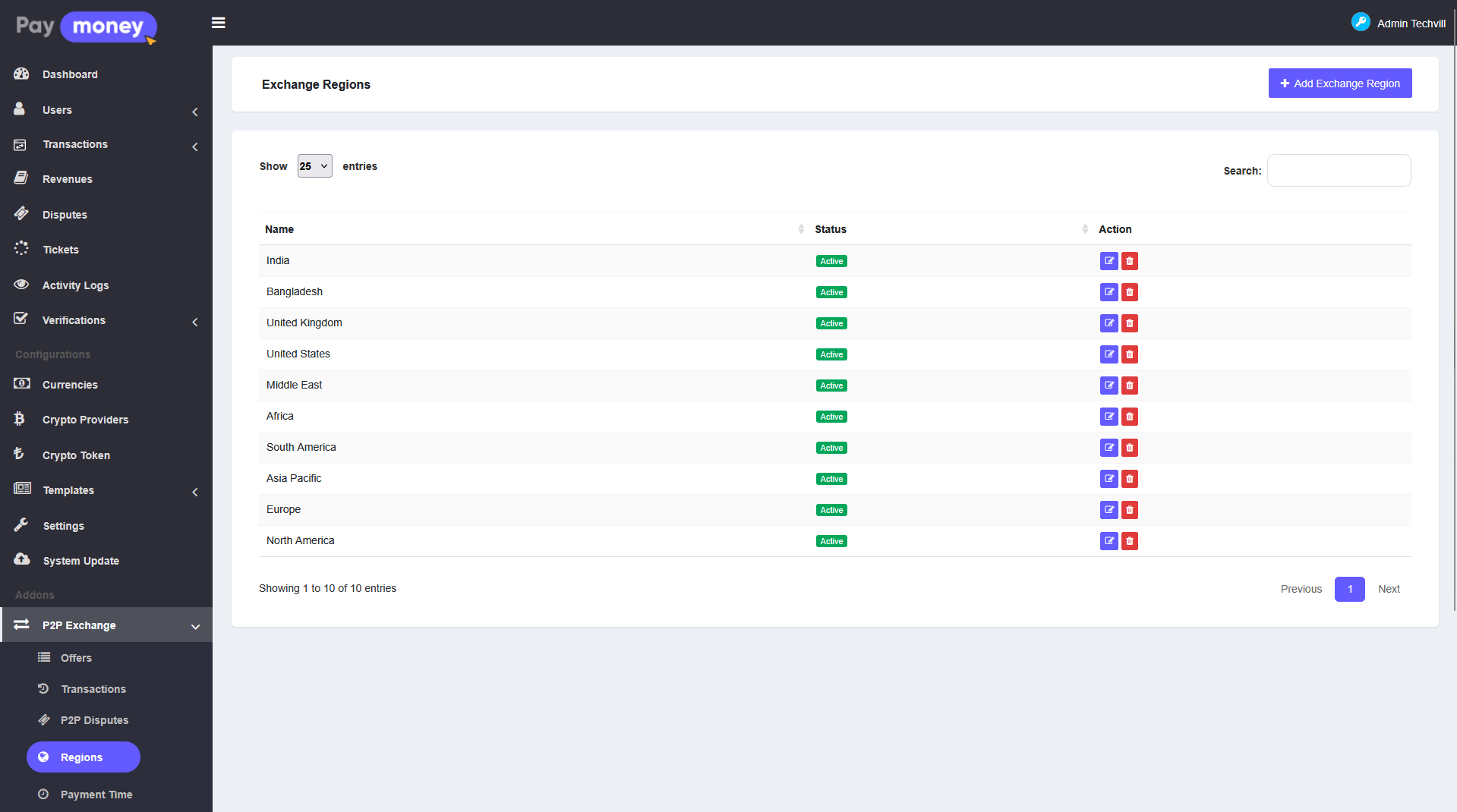
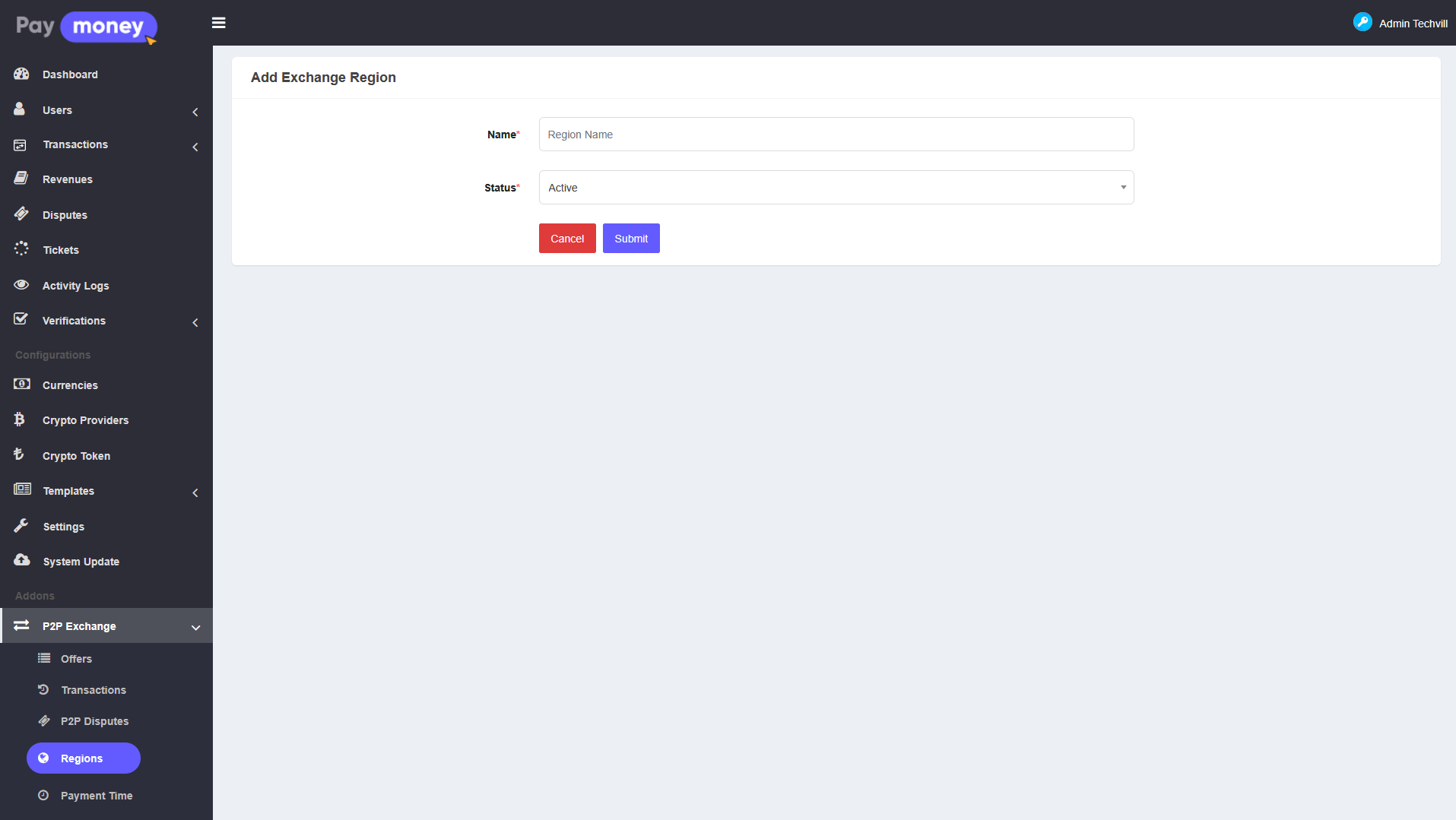
Admin can maintain regions from P2P Exchange > P2P regions. Regions are used when users build offers and when visitors filter the public marketplace.
-
Admin can create, edit, and delete regions (subject to permissions such as view / add / edit / delete P2P exchange region).
-
Only active regions should be used for new offers; inactive entries can be hidden from selection depending on your theme.
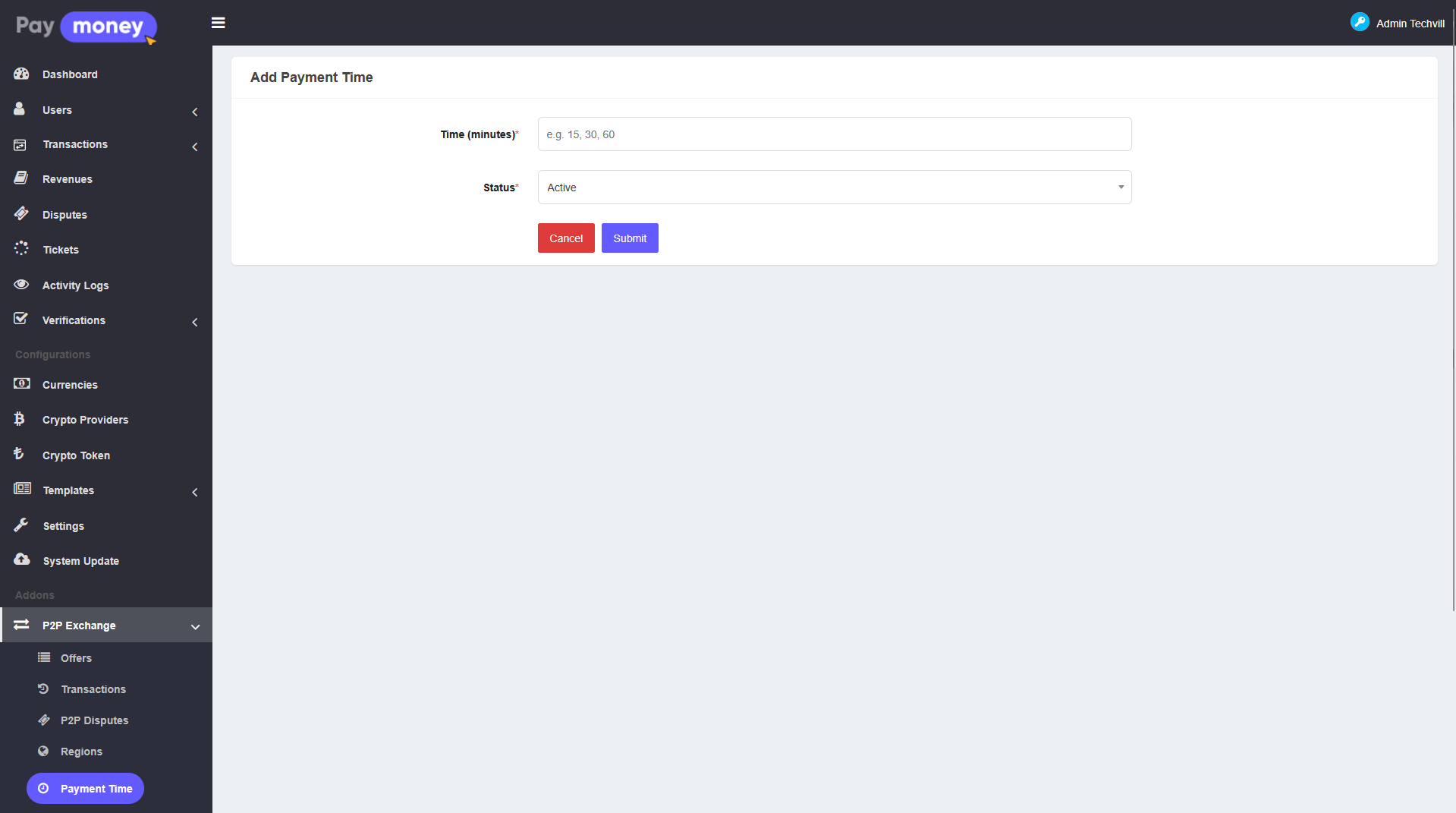
Manage payment time from admin panel
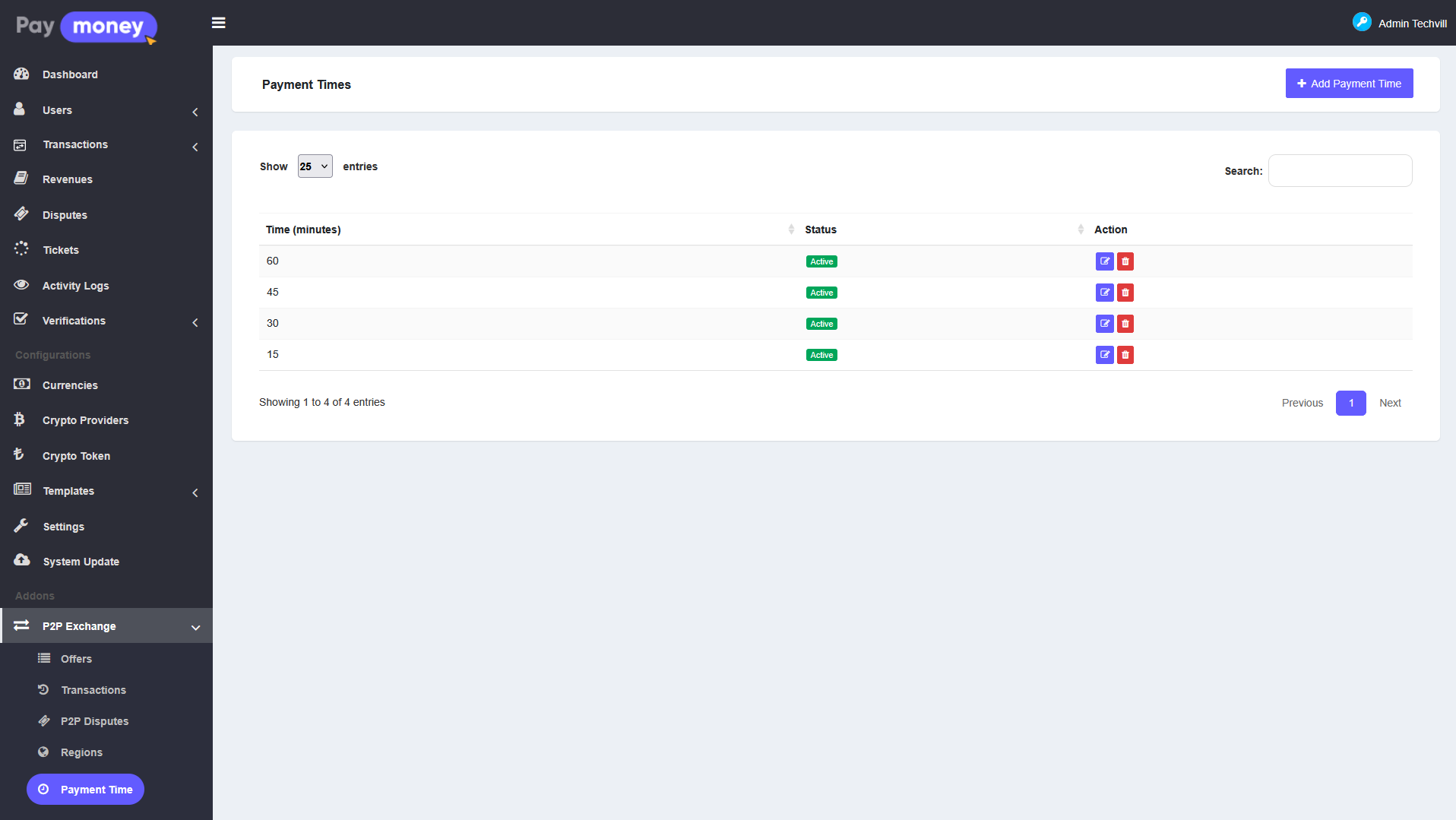
Admin defines how long a buyer has to pay after a trade starts. Go to P2P Exchange > P2P payment time.
-
Each payment time record represents a duration (for example 15 minutes, 60 minutes) that advertisers attach to an offer.
-
Payment times have a status so outdated options can be deactivated without deleting history.
Manage fiat gateways from admin panel
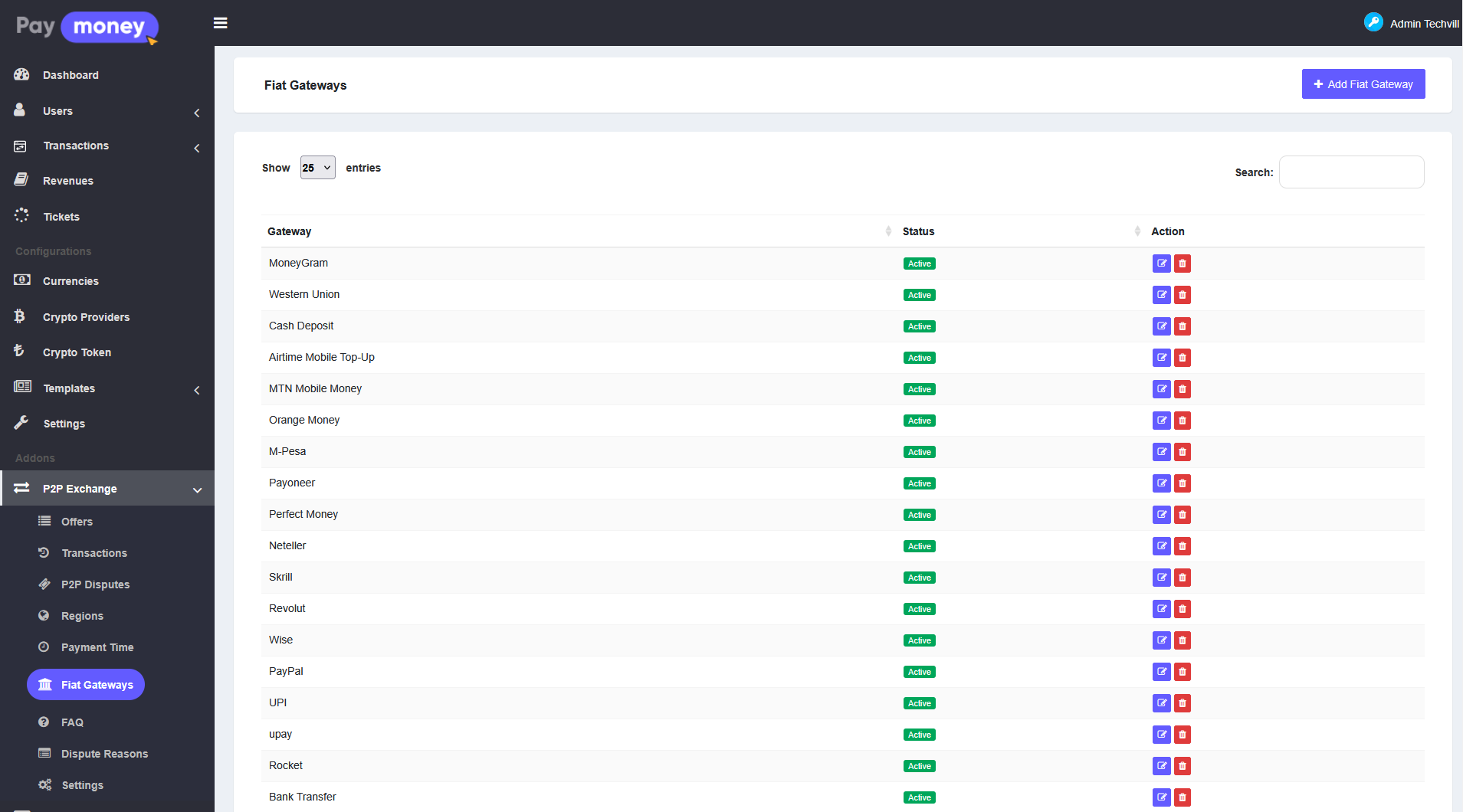
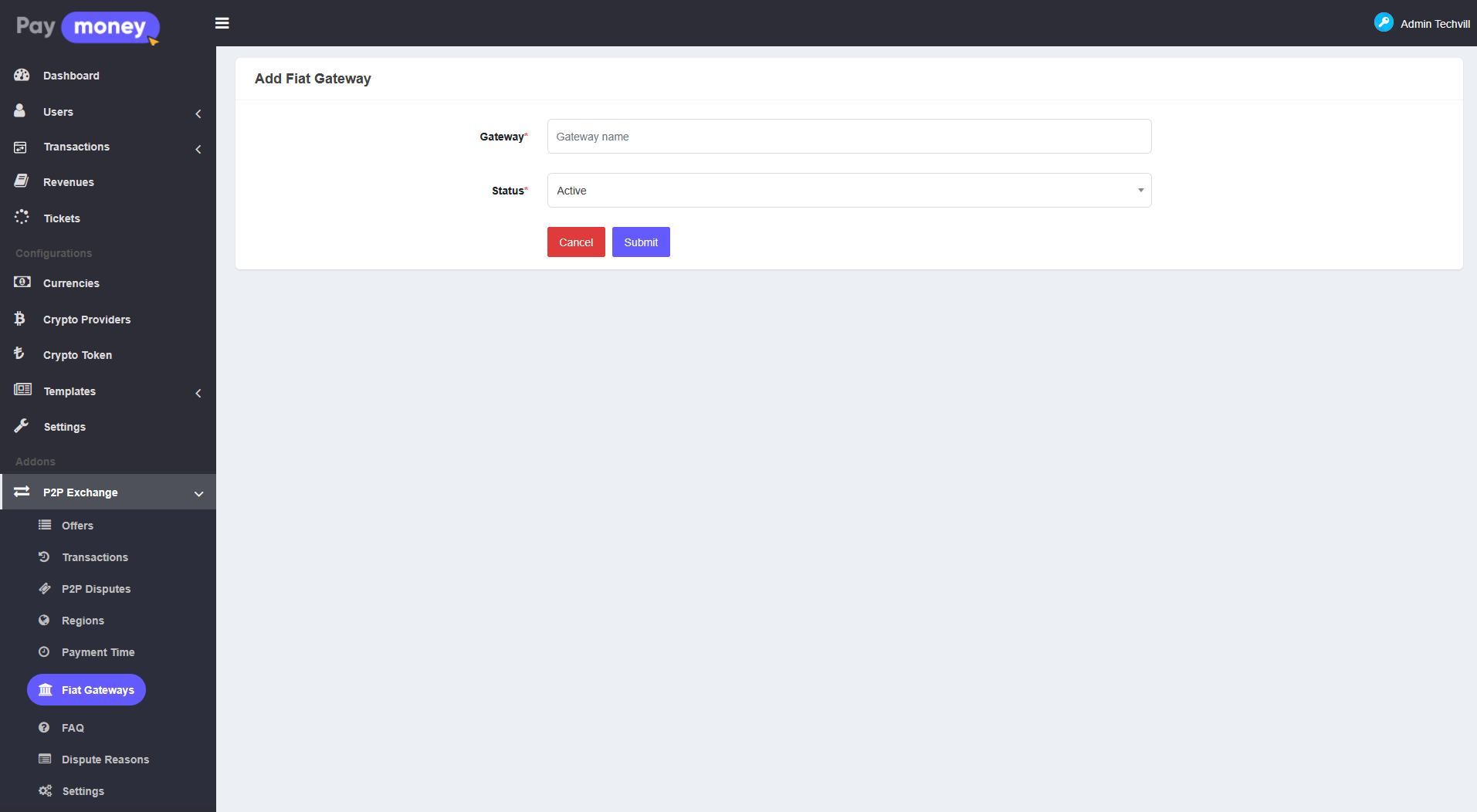
Admin configures fiat gateways from P2P Exchange > P2P fiat gateways. These are the payment rails shown on offers (for example mobile money, bank transfer, card) together with per-offer instructions and remarks.
-
Gateways are reusable labels; the actual account numbers and payment details are entered by the user when they create or edit an offer (step that maps payment instructions to each gateway).
-
Multiple gateways can be active so advertisers can offer more than one way to pay.
Manage P2P offers from admin panel
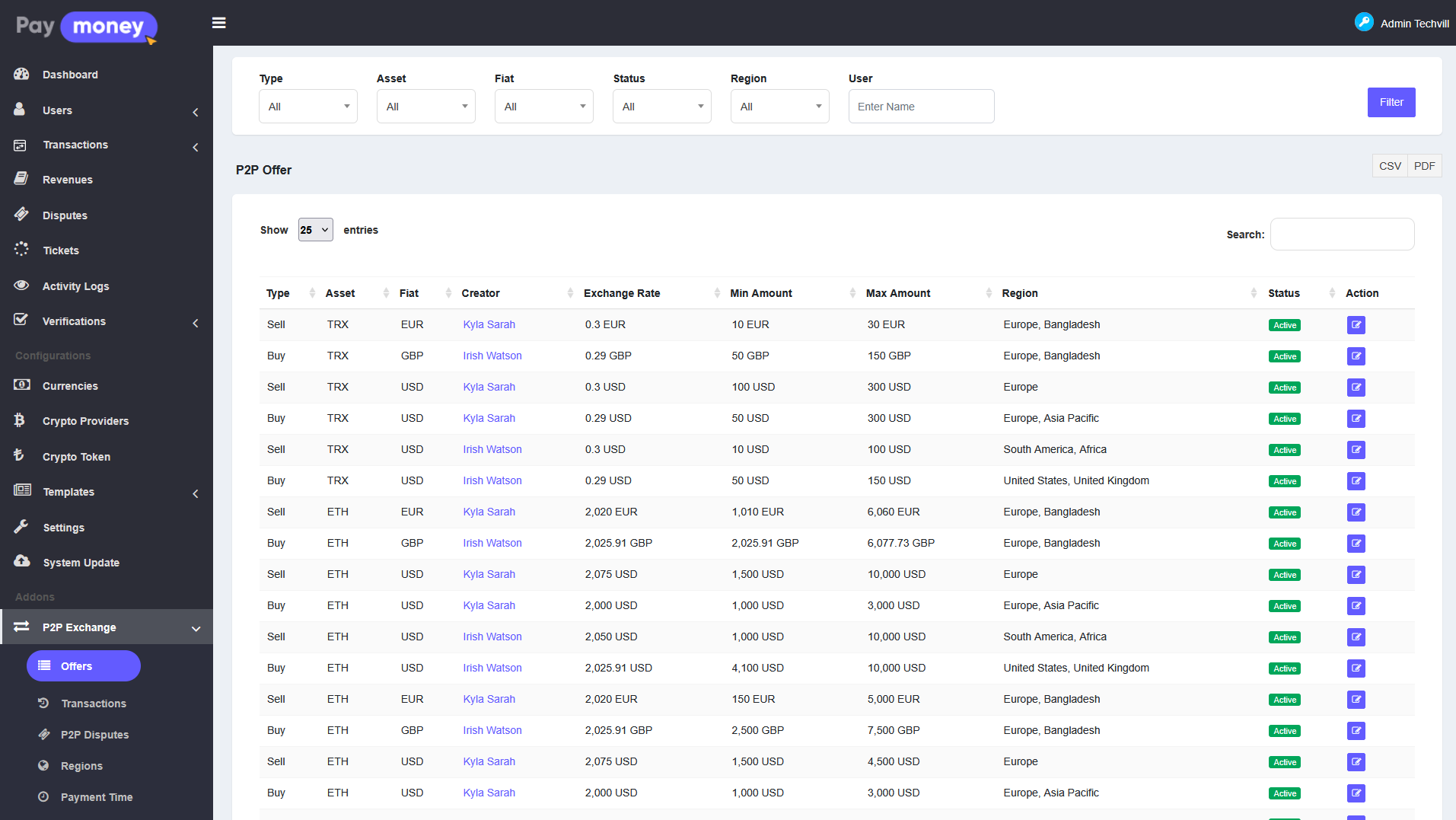
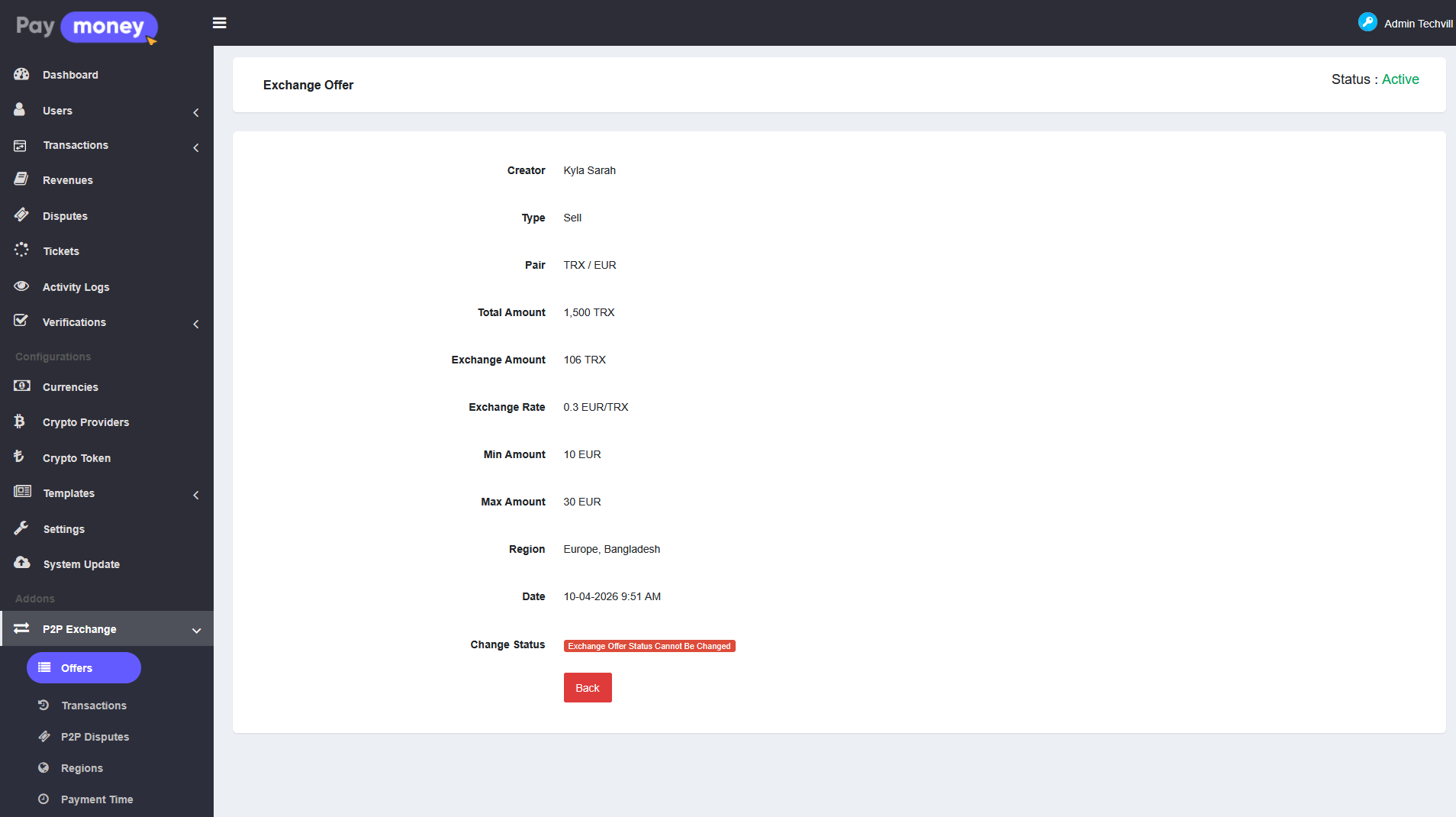
Admin can review and adjust user offers from P2P Exchange > P2P offers.
-
From the list, admin can open an offer, edit fields allowed by policy, and export data (CSV / PDF) where enabled.
-
User search helps locate offers by advertiser.
-
Offer type is buy or sell; status (for example Active) controls visibility on the public marketplace.
Manage P2P transactions from admin panel
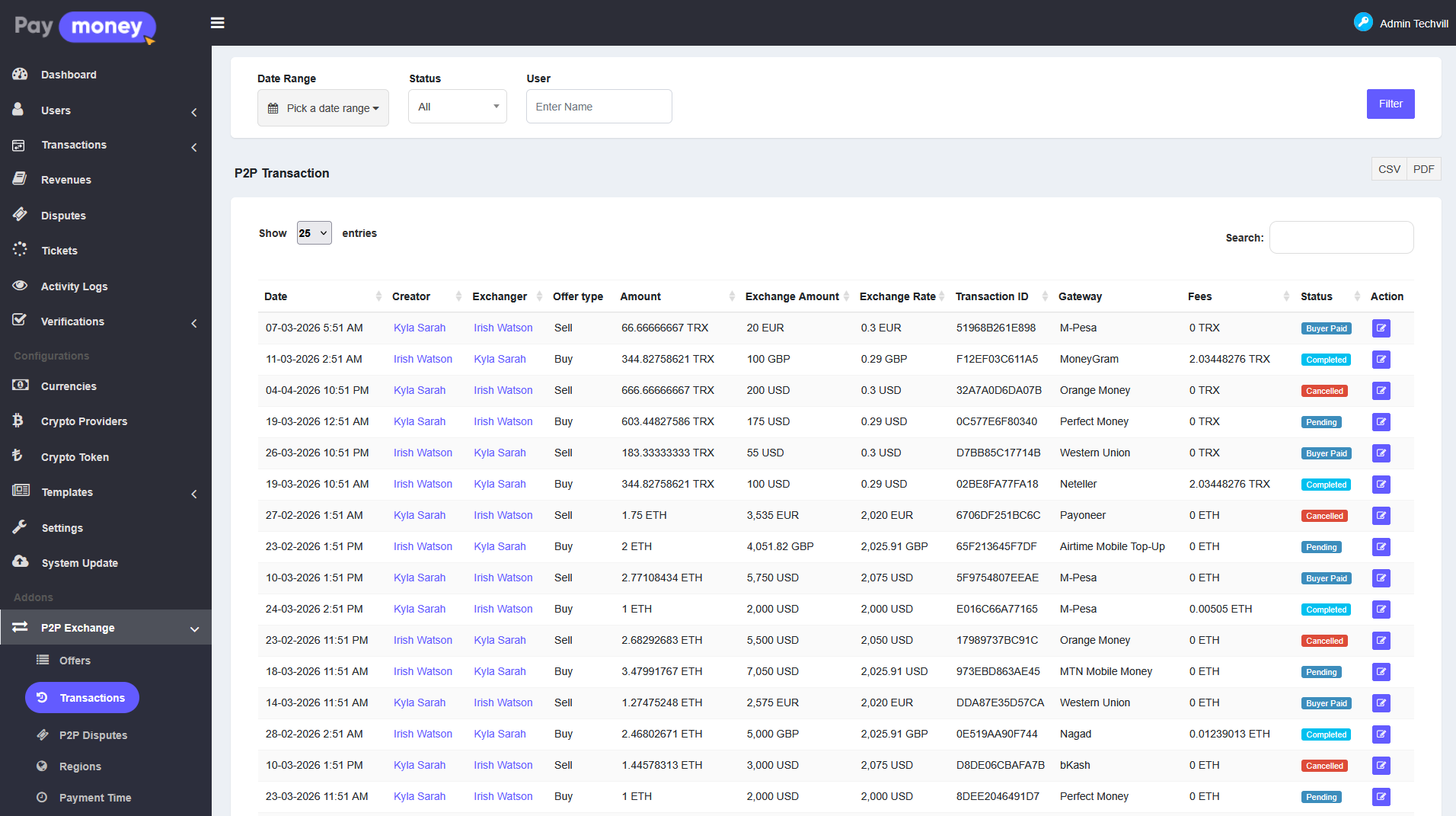
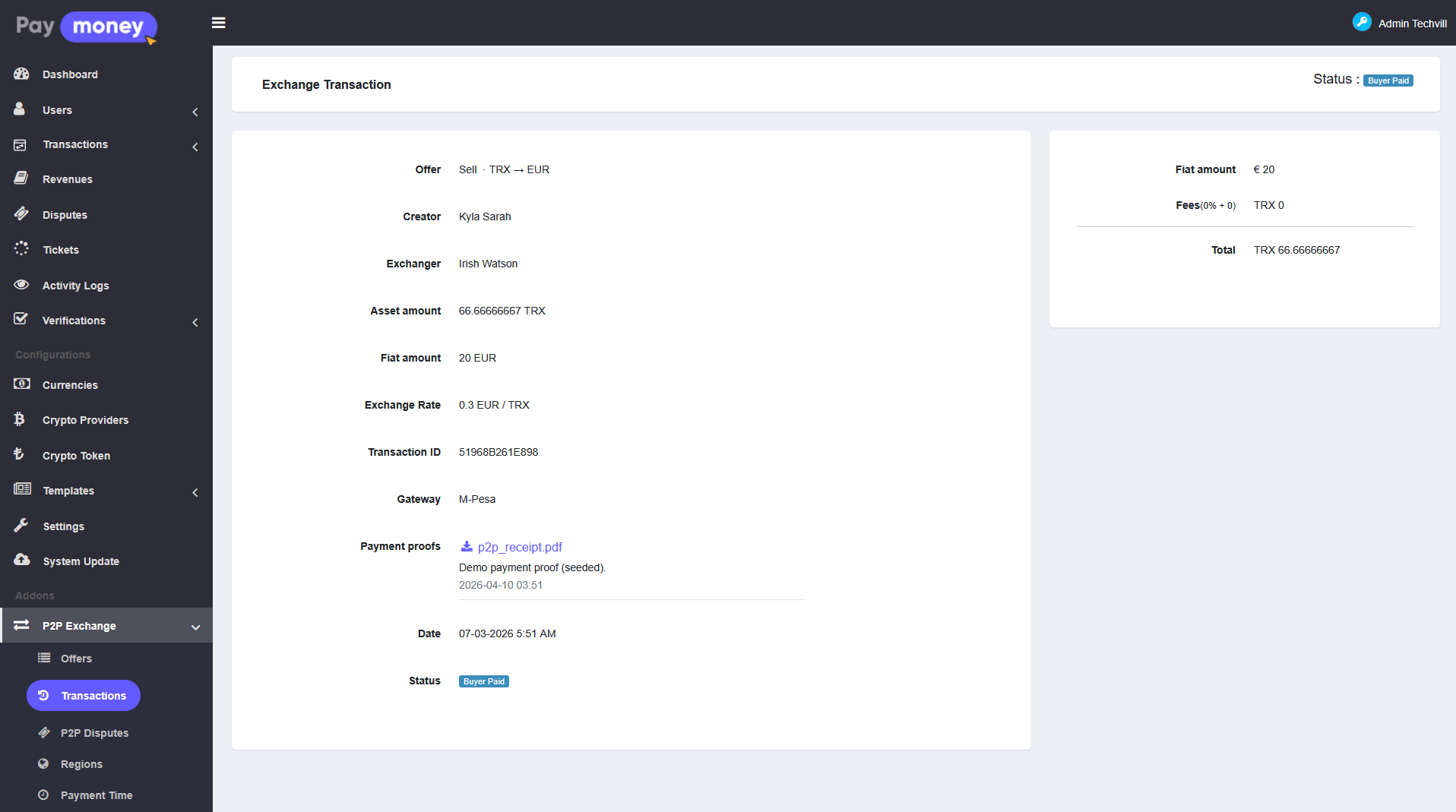
Admin monitors live and past trades from P2P Exchange > P2P transactions.
-
The screen lists P2P exchanges (individual trades between an offer creator and an exchanger), with filters and exports similar to offers.
-
User search links trades to wallet users for support.
Manage P2P disputes from admin panel
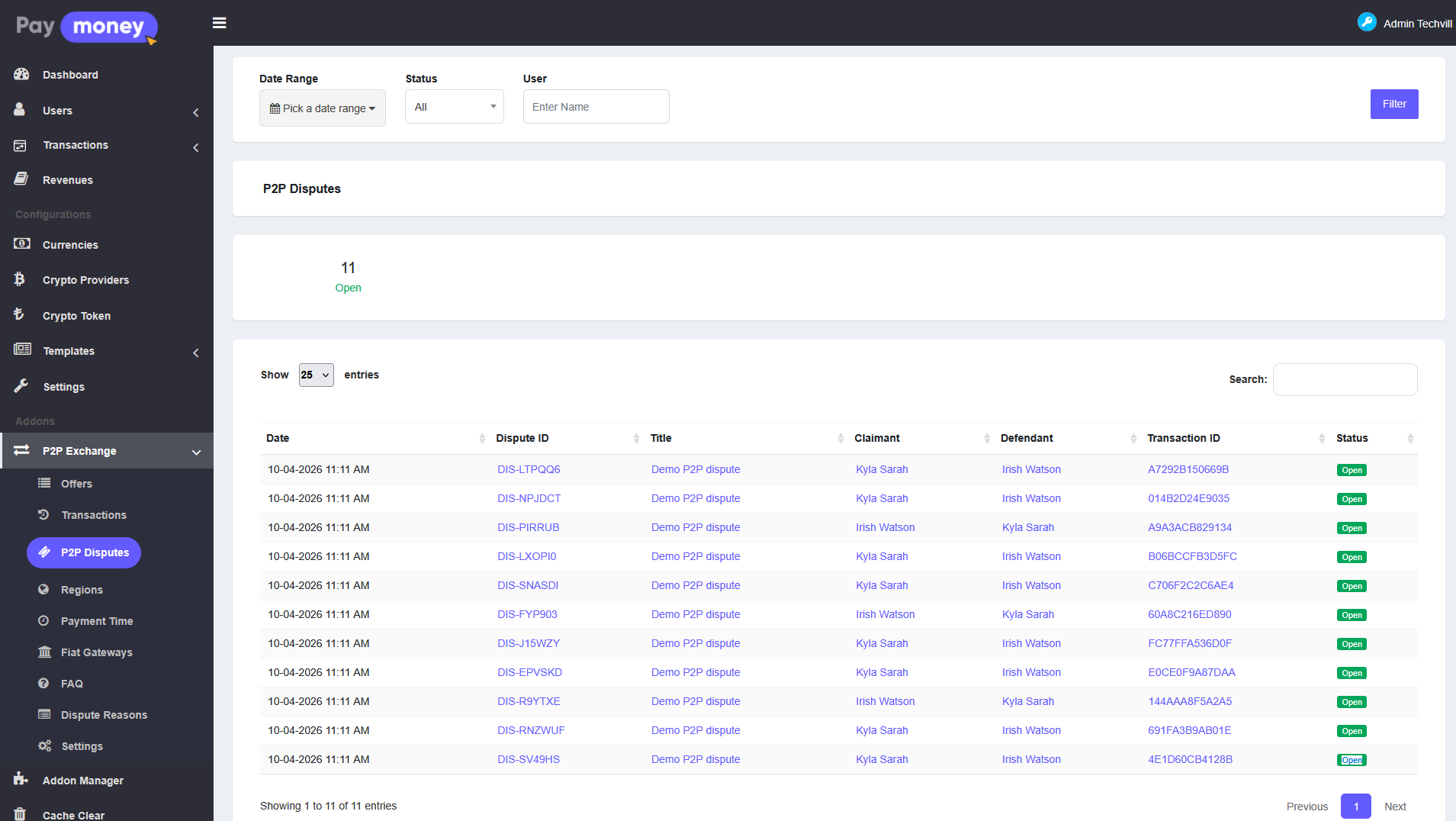
When users escalate a problem, staff work from P2P Exchange > P2P disputes.
-
Admin opens the discussion thread for a dispute, posts replies, and can change reply status when the case moves forward (permissions such as edit dispute apply).
-
Disputes are tied to the same ledger transactions users see in their wallet history for that P2P exchange.
P2P module settings and dispute reasons from admin panel
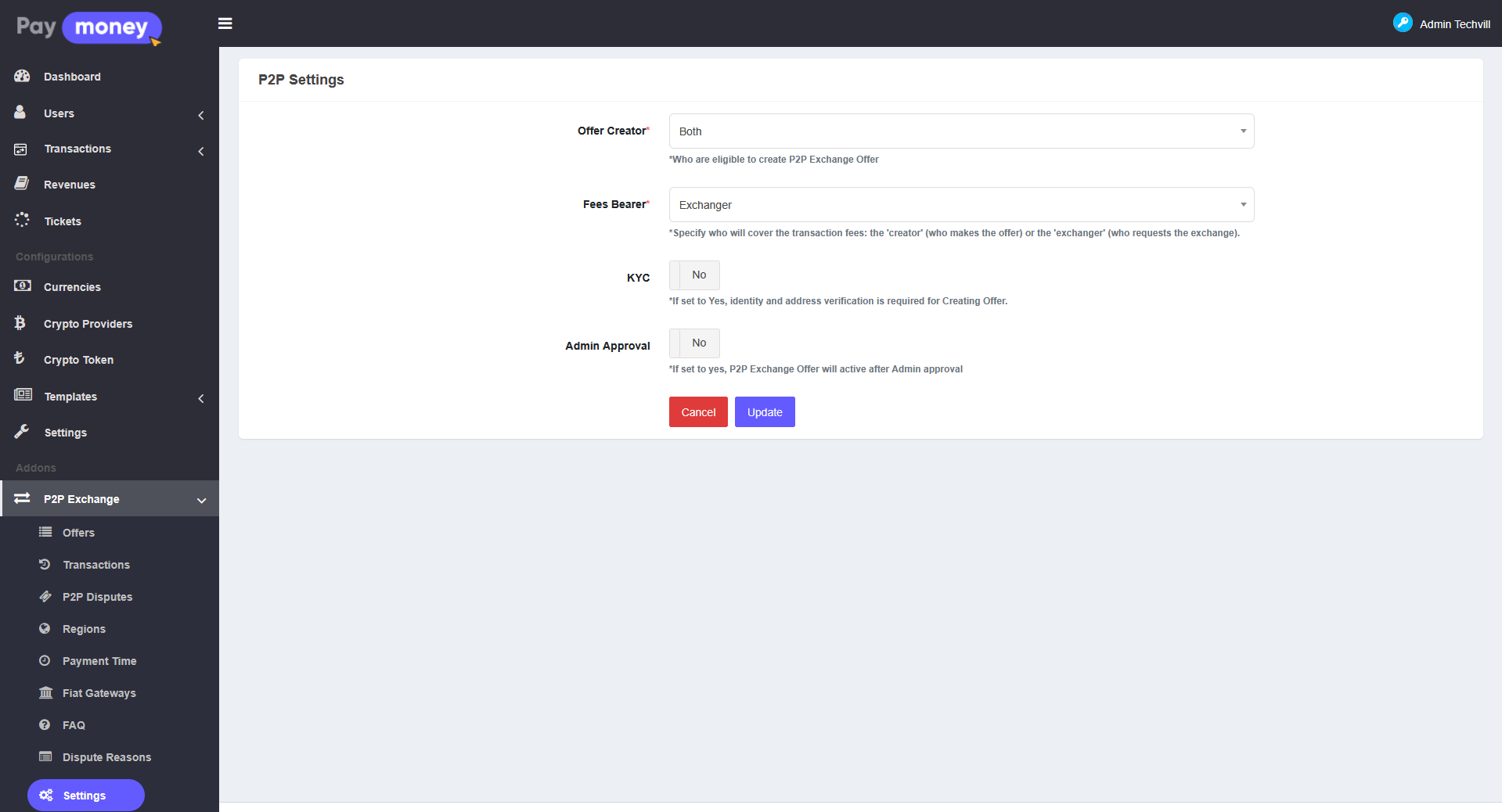
P2P settings — global options for the add-on live under P2P Exchange > P2P settings (view / edit permissions).
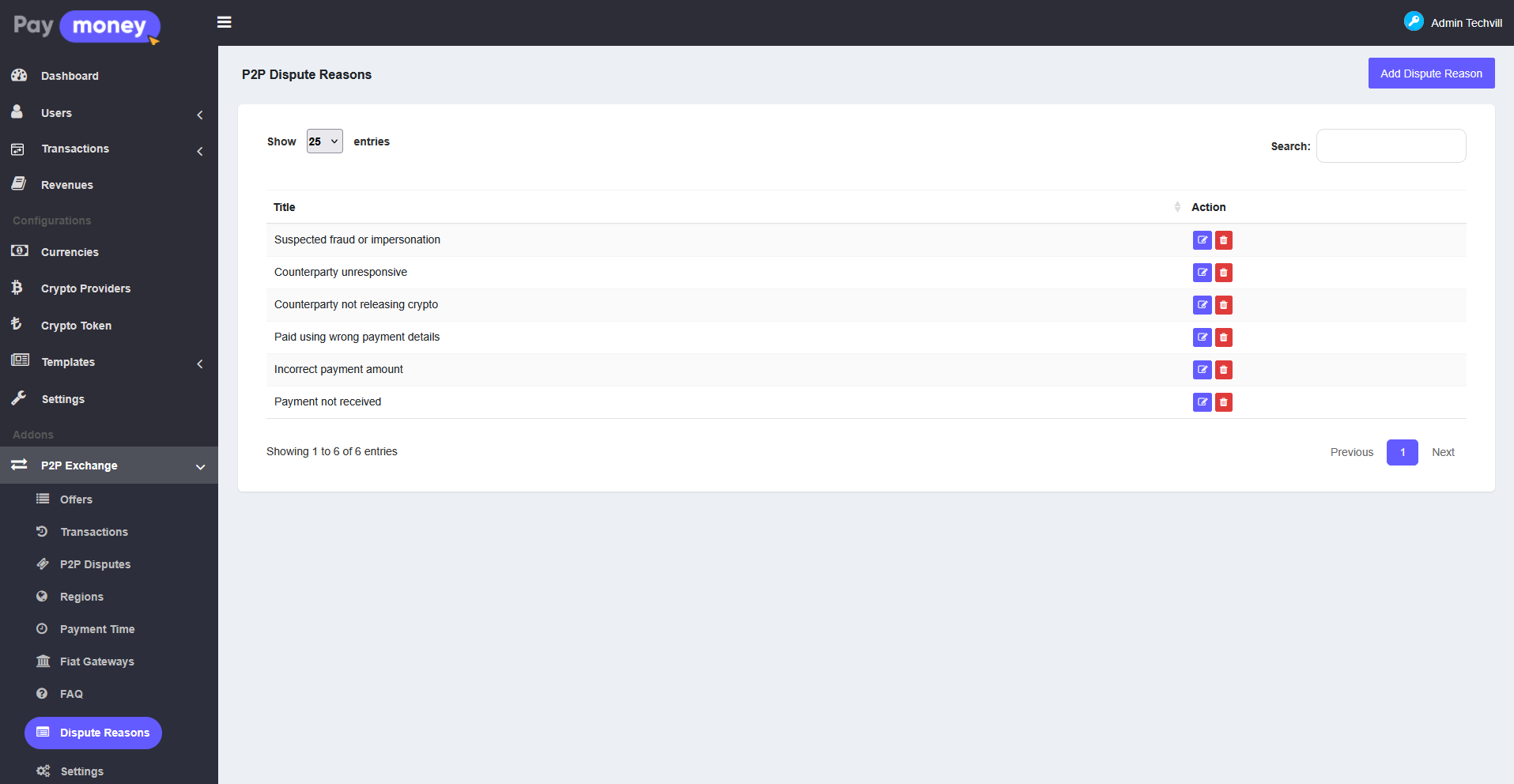
Dispute reasons — predefined reasons users pick when opening a dispute are maintained under P2P Exchange > P2P dispute reasons, so helpdesk and automation stay consistent.
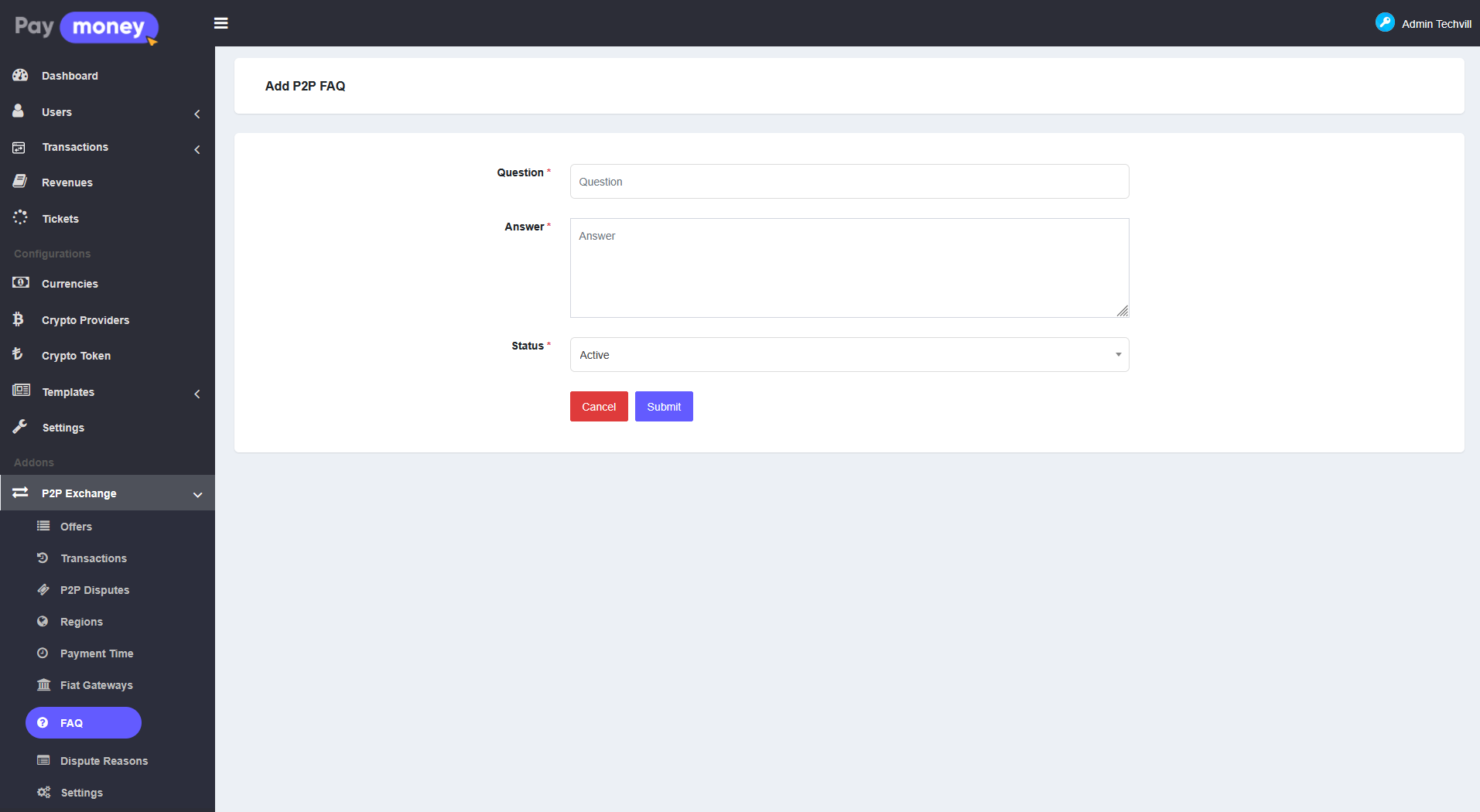
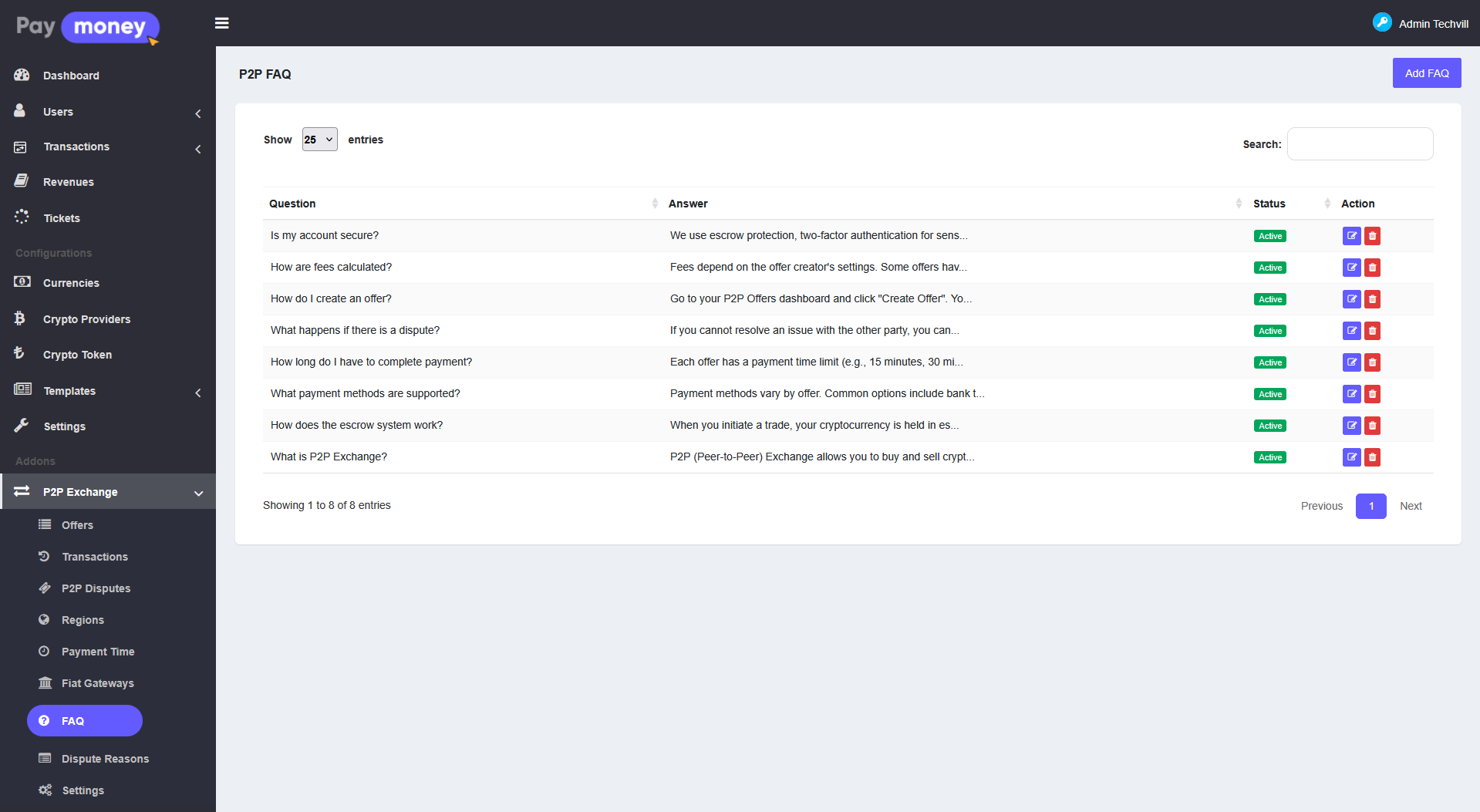
P2P FAQ from admin panel
Short questions and answers shown on the public P2P page are edited under P2P Exchange > P2P FAQ. Only items marked Active appear to visitors.
Optional real-time chat server (Socket.IO / Node)
For instant chat delivery and live updates to the trade page (status, proof areas, review blocks), the module ships with a small Node process:
- Path on disk:
Modules/P2PXchange/socket-server/ - After
npm install, runnpm startwith the sameAPP_KEYas Laravel (seesocket-server/README.mdand root.env.example). - In Laravel
.env, setP2P_SOCKET_ENABLED=trueand correctP2P_SOCKET_URL(browser) andP2P_SOCKET_INTERNAL_URL(internal broadcast endpoint).
If this service is not running, chat and trading still work; the browser polls the server every few seconds for new messages and can refresh trade fragments on a timer or navigation.

P2P marketplace on the front end (guest)
Visitors open the P2P exchange page from the site menu. They see active buy offers by default, along with FAQs, fiat gateway badges, filters (asset, fiat, payment time, region), and sorting.
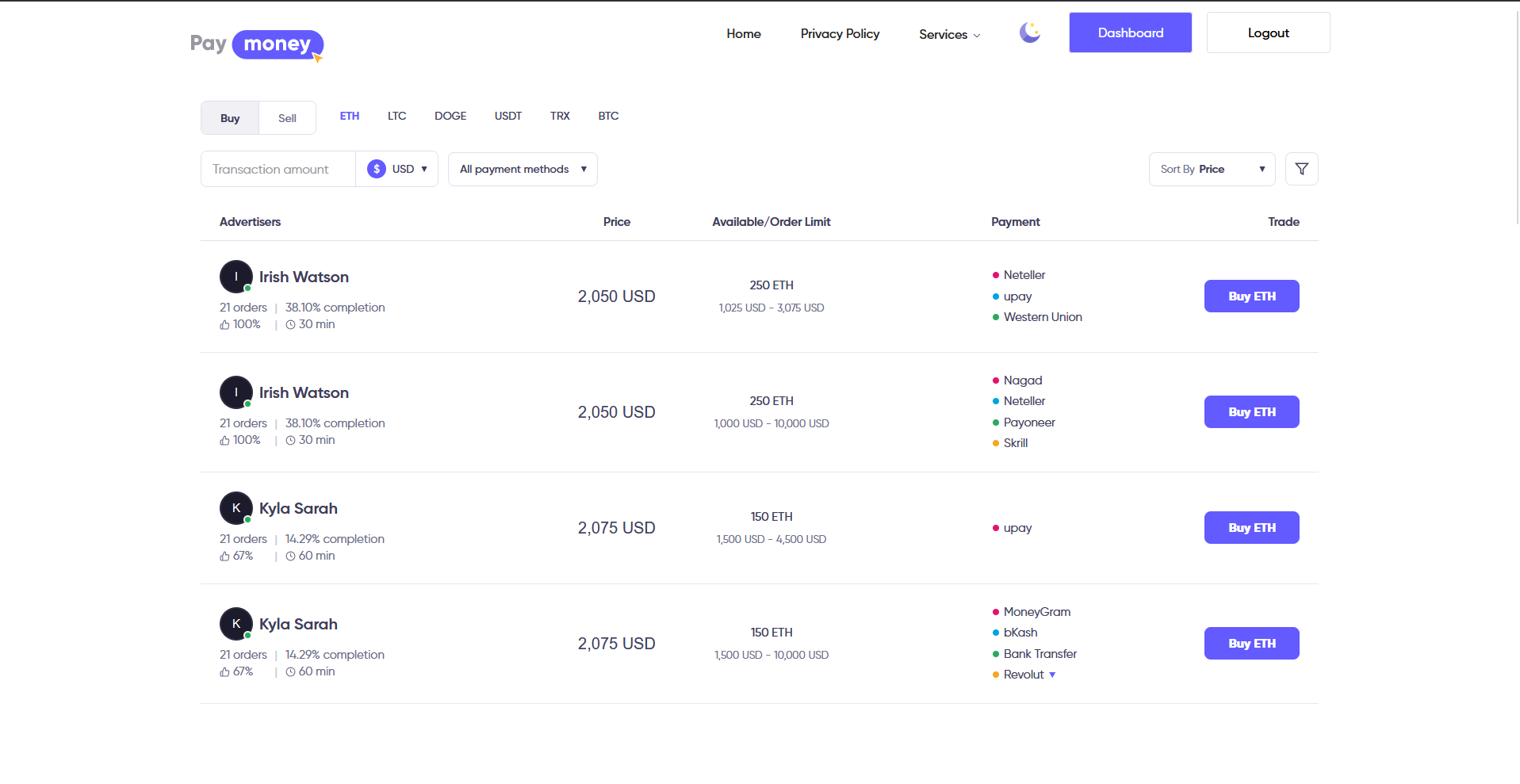
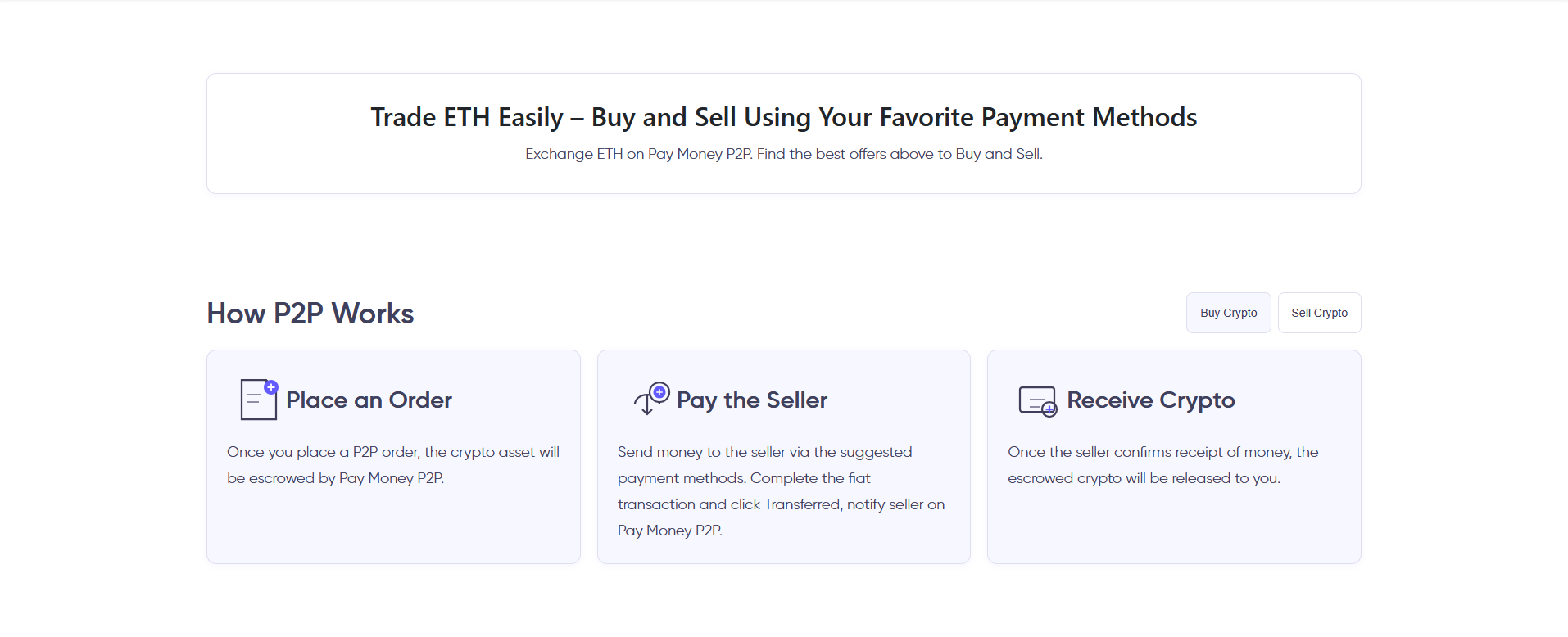
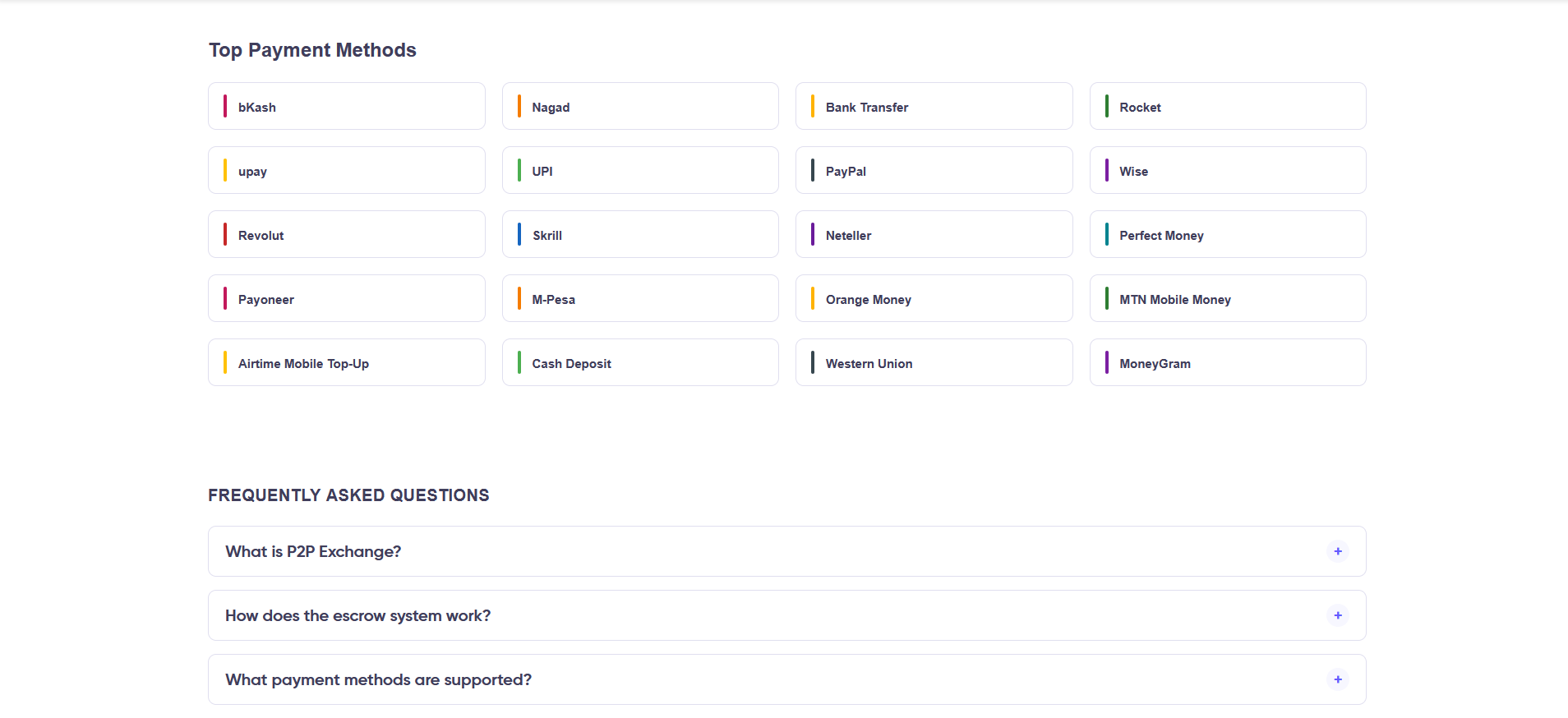
- Clicking an offer opens detail and an initiate flow. Login is required to start a trade; guests are redirected to login and can return afterward.
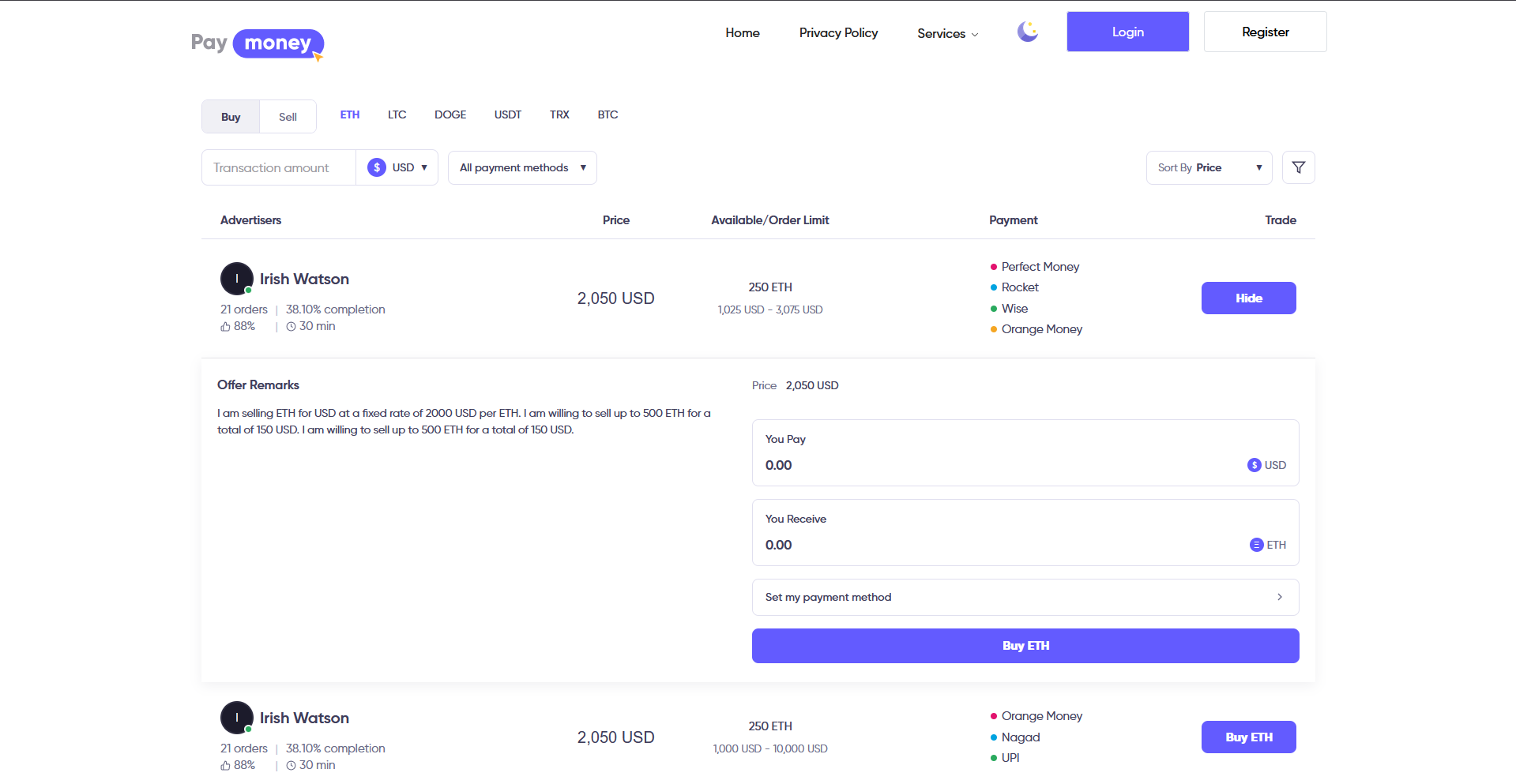
-
The platform blocks self-trading (you cannot take your own advertisement).
-
After a successful initiate exchange, the user is sent into the user panel trade flow (prepare step, then the live trade room).
Offer creator profile on the front end (guest)
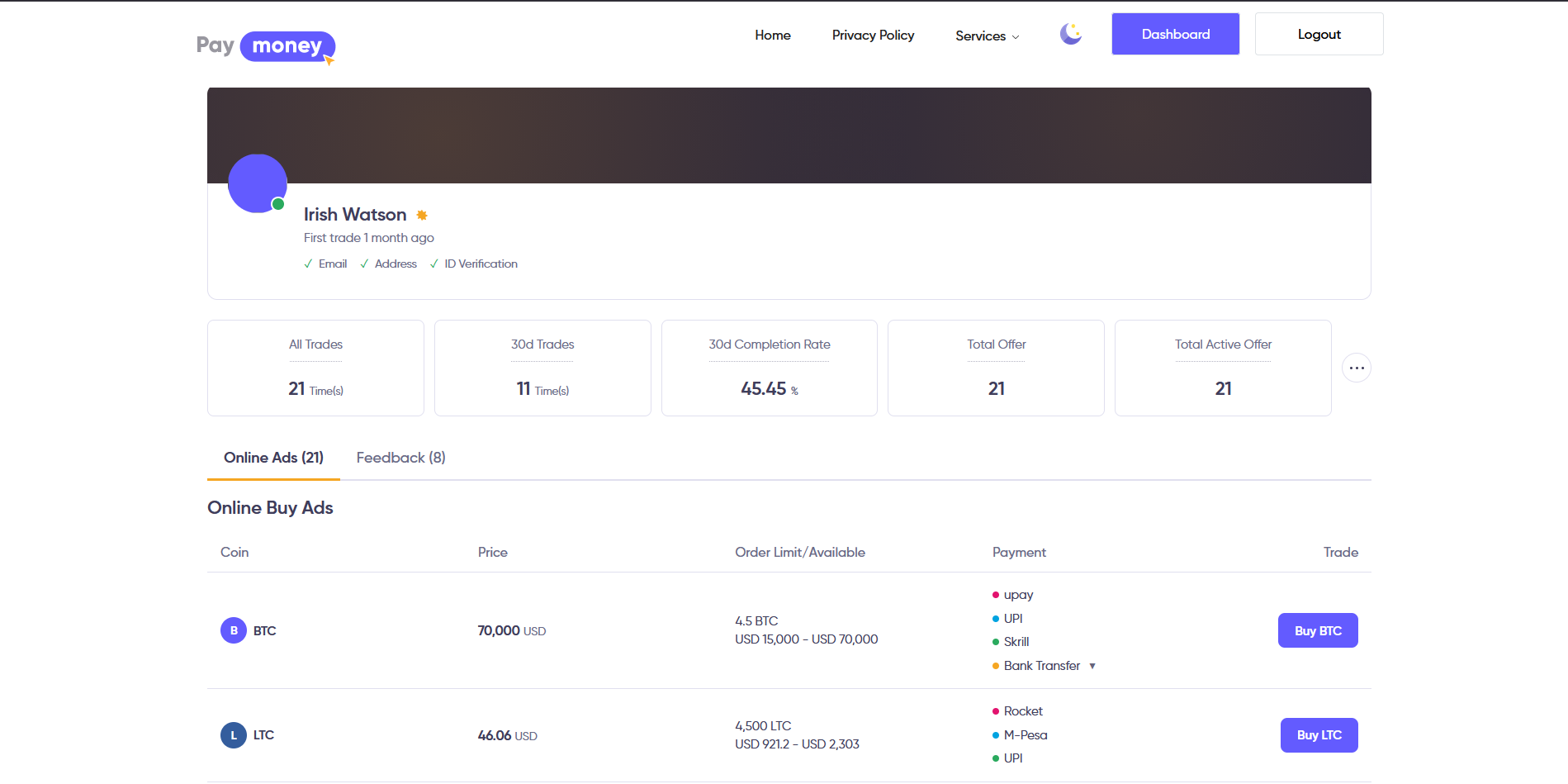
From the P2P marketplace, visitors can open the advertiser profile (also called offer creator profile) for the user who published that advertisement. The public URL lives under the same P2P exchange section.
-
The profile summarizes trust signals for that trader: counts of total and active offers, overall and recent trade volume, and a completion rate over a recent window so you can see how reliably they finish trades.
-
You can also see how their activity splits between buy-type and sell-type exchanges (as the advertiser), and when their first trade on the platform occurred, where the theme exposes these fields.
-
Use this page to compare advertisers before you click initiate; it does not replace reading the offer’s price, limits, and payment instructions on the listing itself.
-
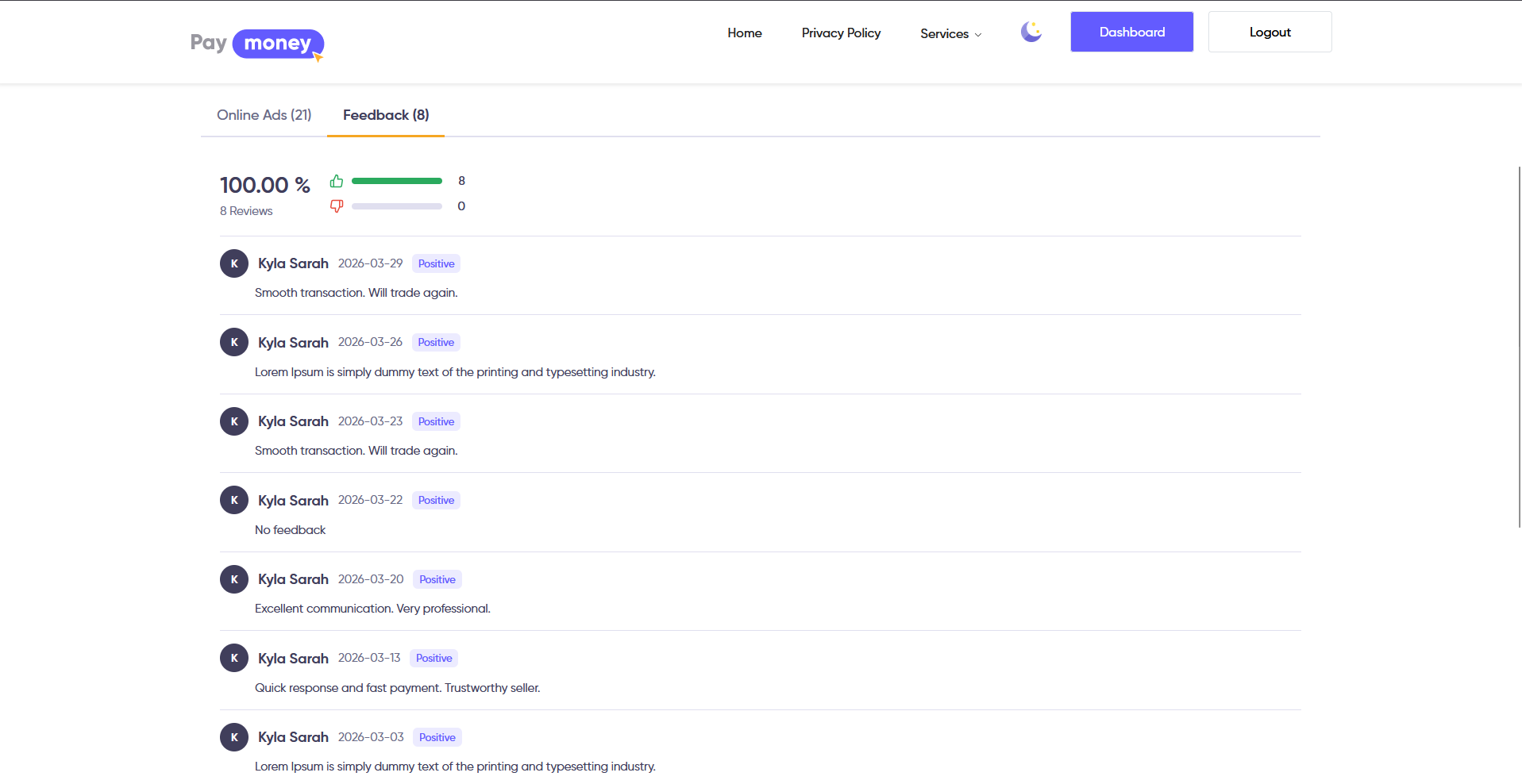
This page also show all the feedback this creator got for the exchanges he has done.
Create and edit P2P offers from the user panel
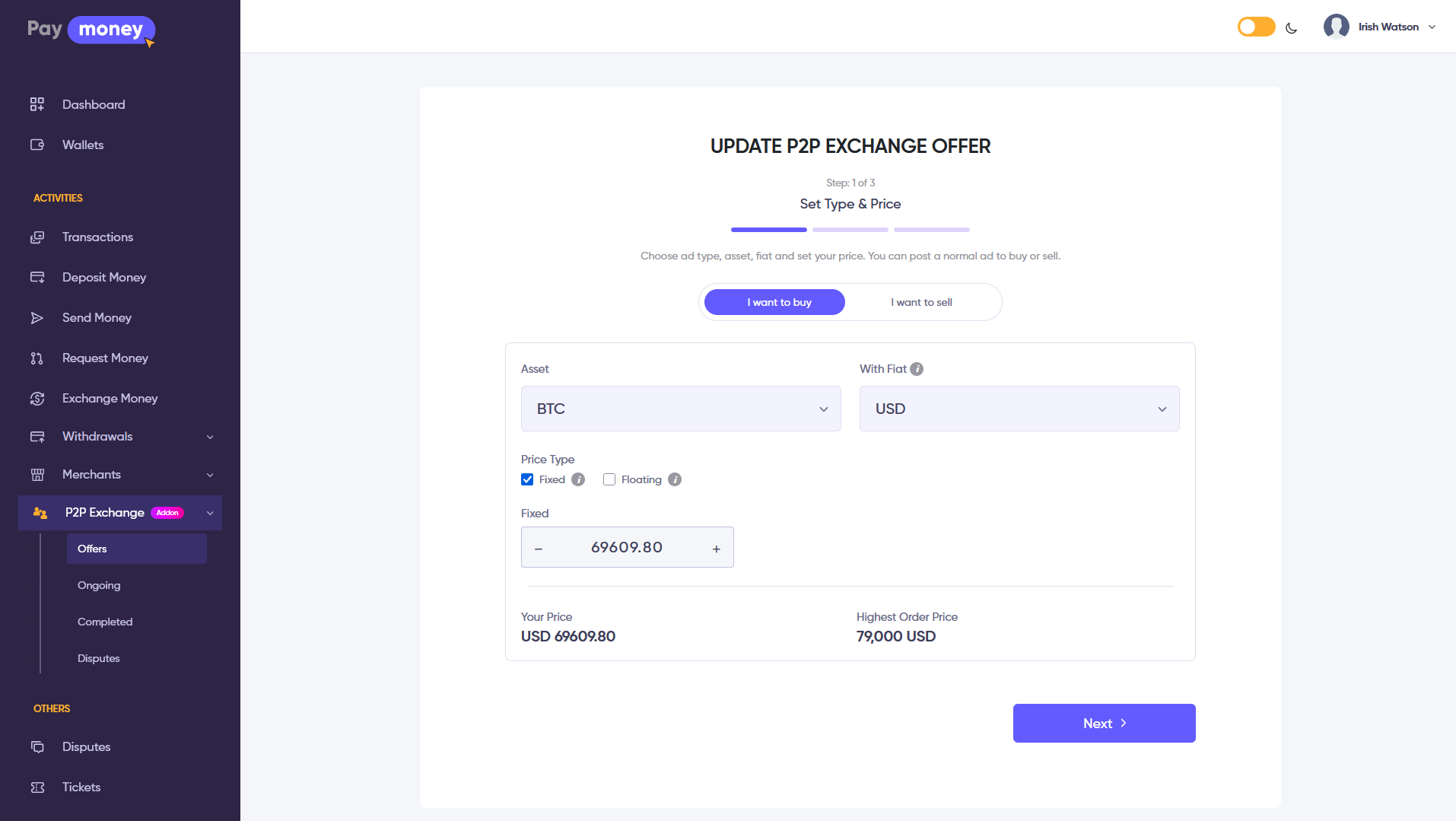
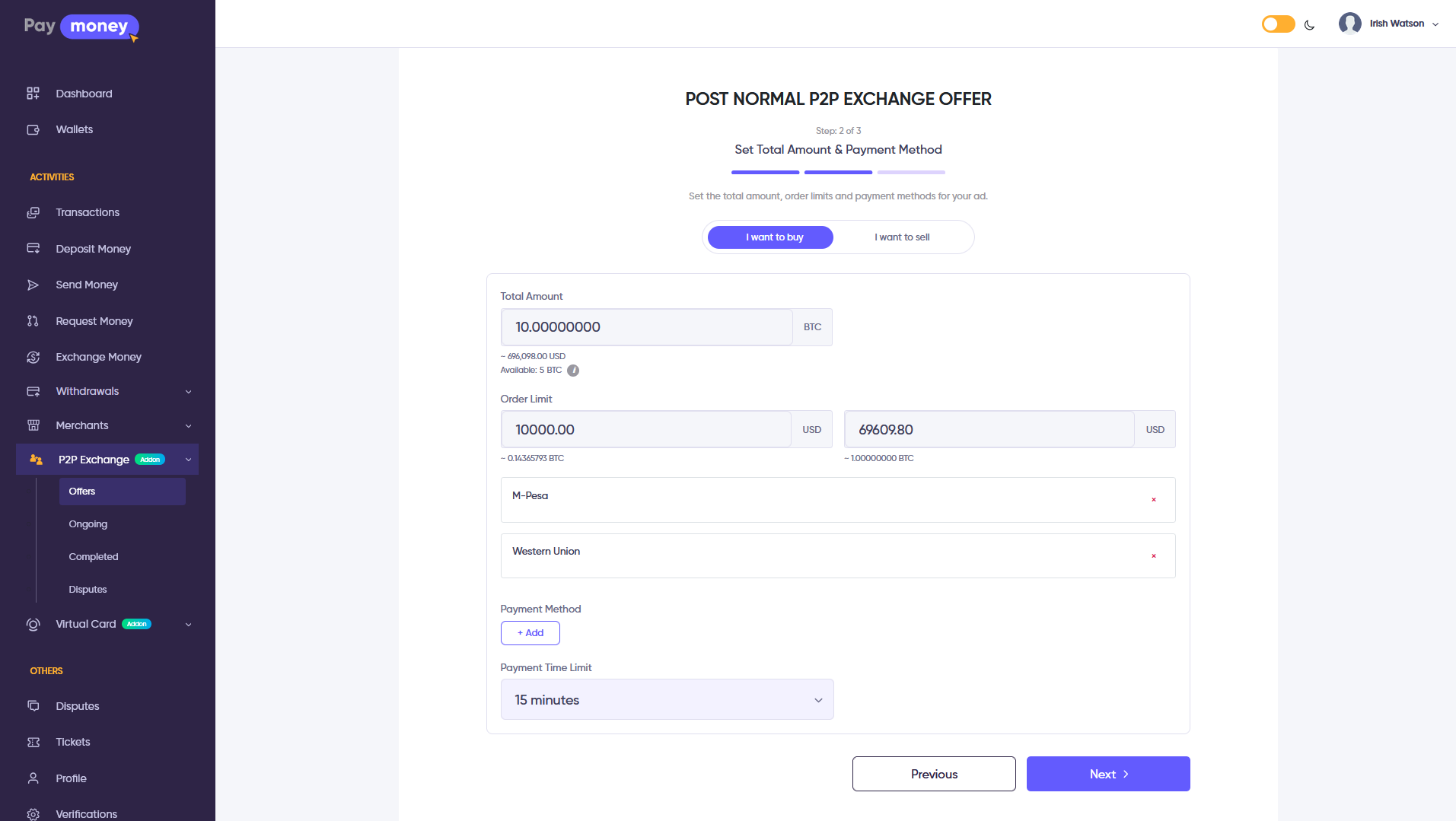
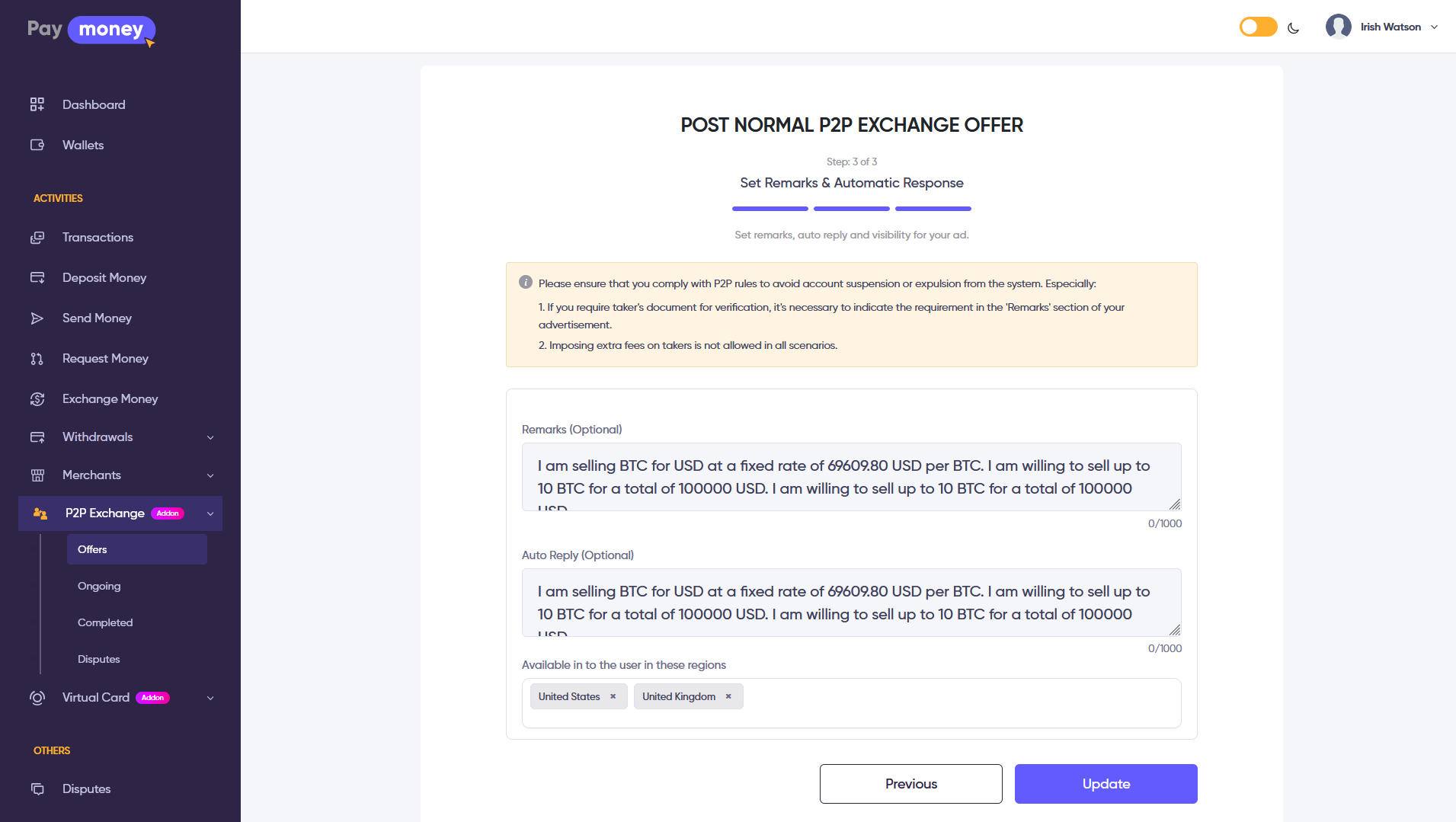
Users who pass KYC and offer creator checks (when your site enables those middlewares) can open P2P offers in the user area. Creation and editing use a three-step wizard (pricing and limits, payment instructions, final details such as auto-reply text for chat).
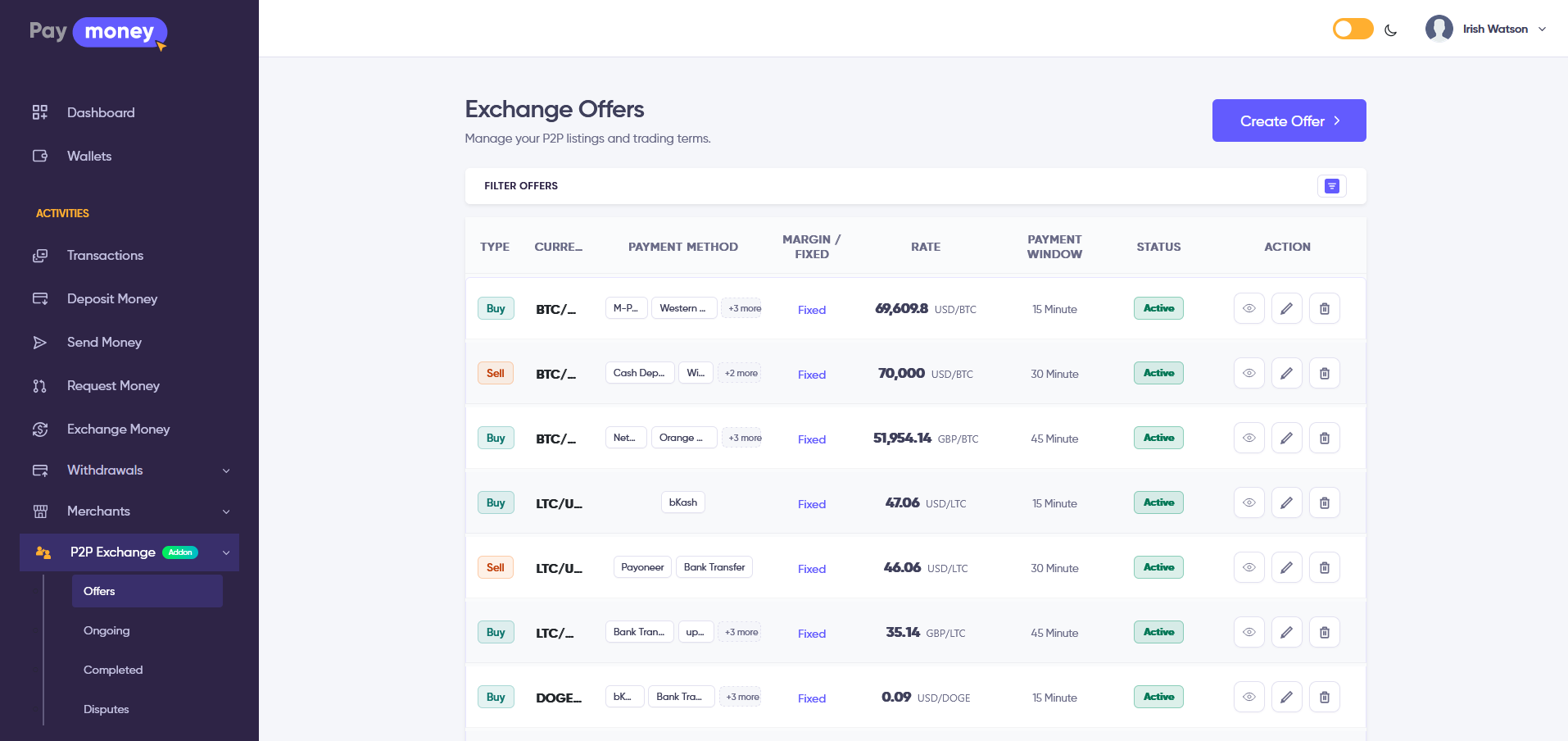
- Step one usually covers type (buy/sell), currencies, price or margin, min/max amounts, and timing.
- Step two links fiat gateways to human-readable instructions (account number, wallet ID, bank branch, etc.).
- Step three finishes legal or marketing fields and auto-reply; the advertiser can delete an offer where the business rules allow it.
P2P transactions list for the user
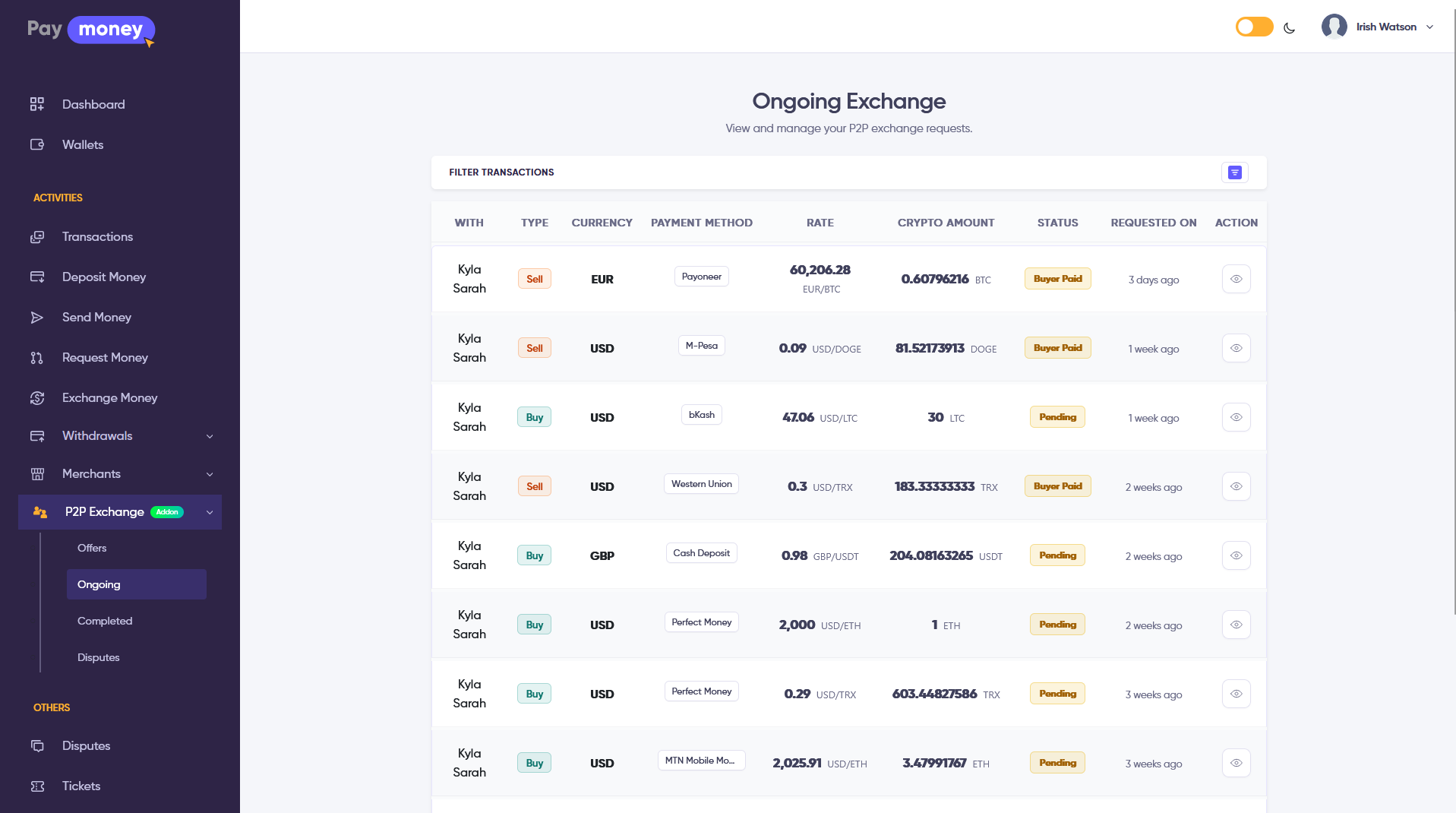
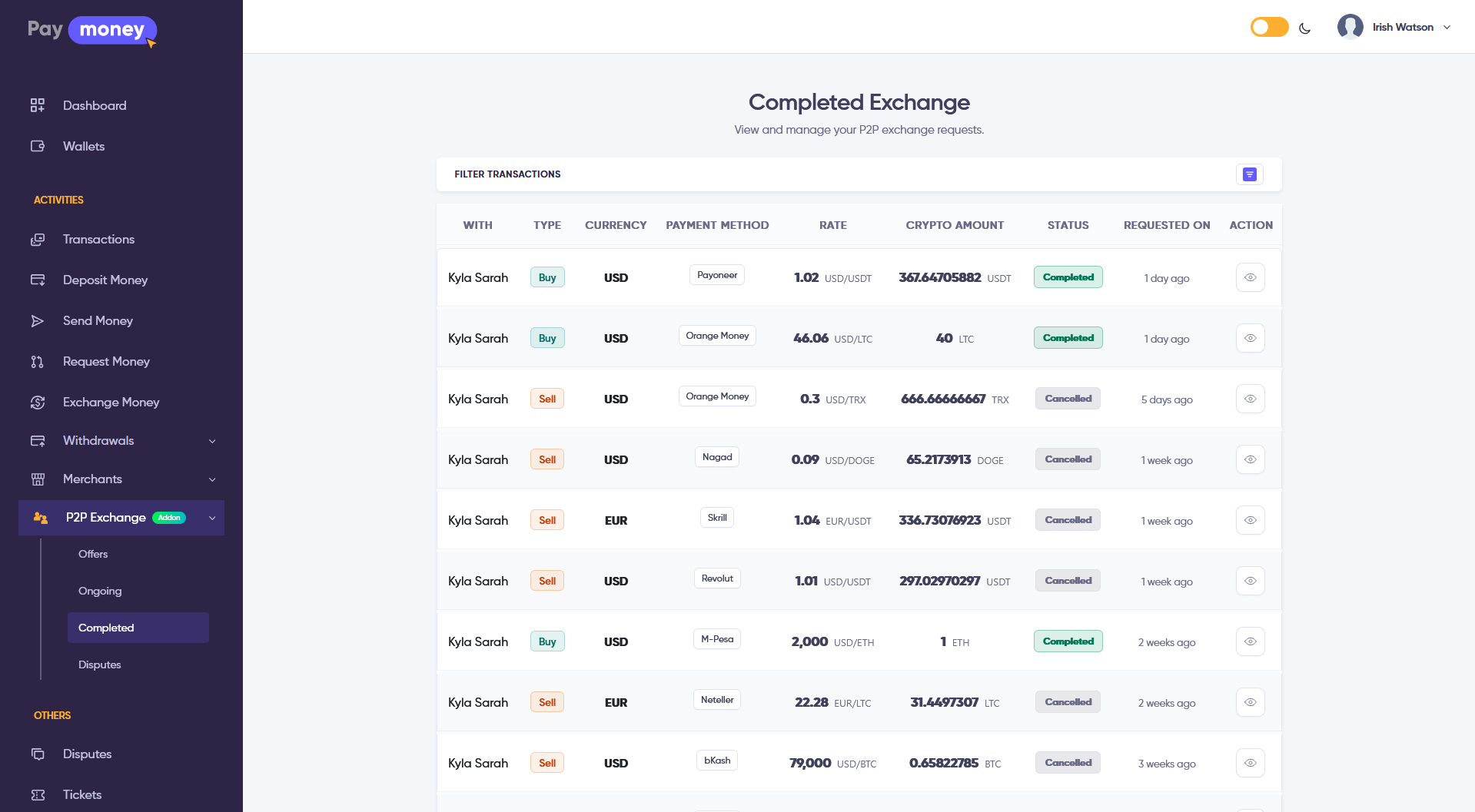
Logged-in users open P2P transactions from the user menu. They can switch ongoing and completed lists, filter by date range, type, asset, or fiat, and open a trade or print a related wallet transaction PDF when available.
-
From ongoing, each row leads to the trade workflow (via detail information then detail).
-
A dispute shortcut finds the correct wallet lines; if a dispute already exists, the user is sent to the discussion thread, otherwise to create dispute.
Complete a trade in the user panel
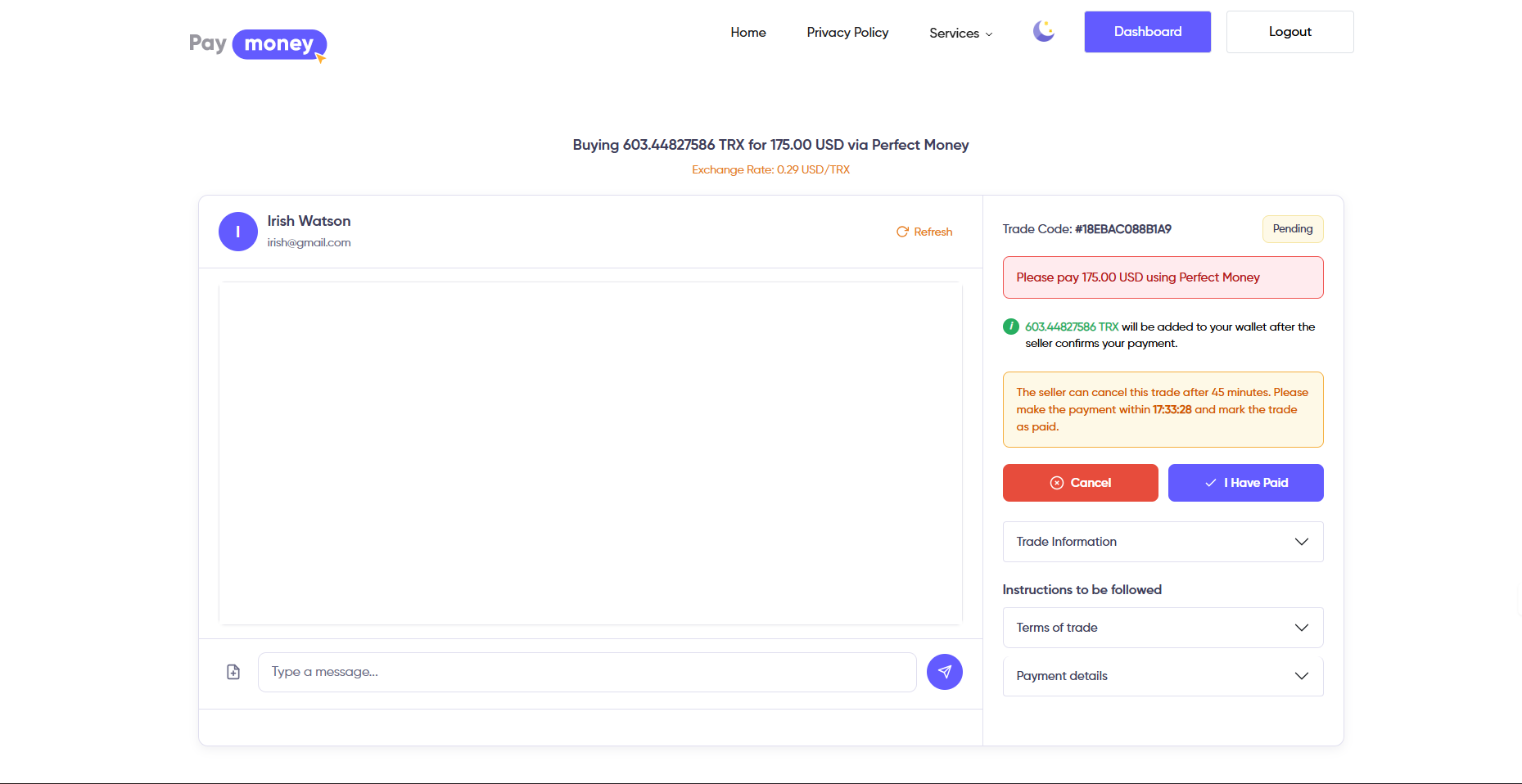
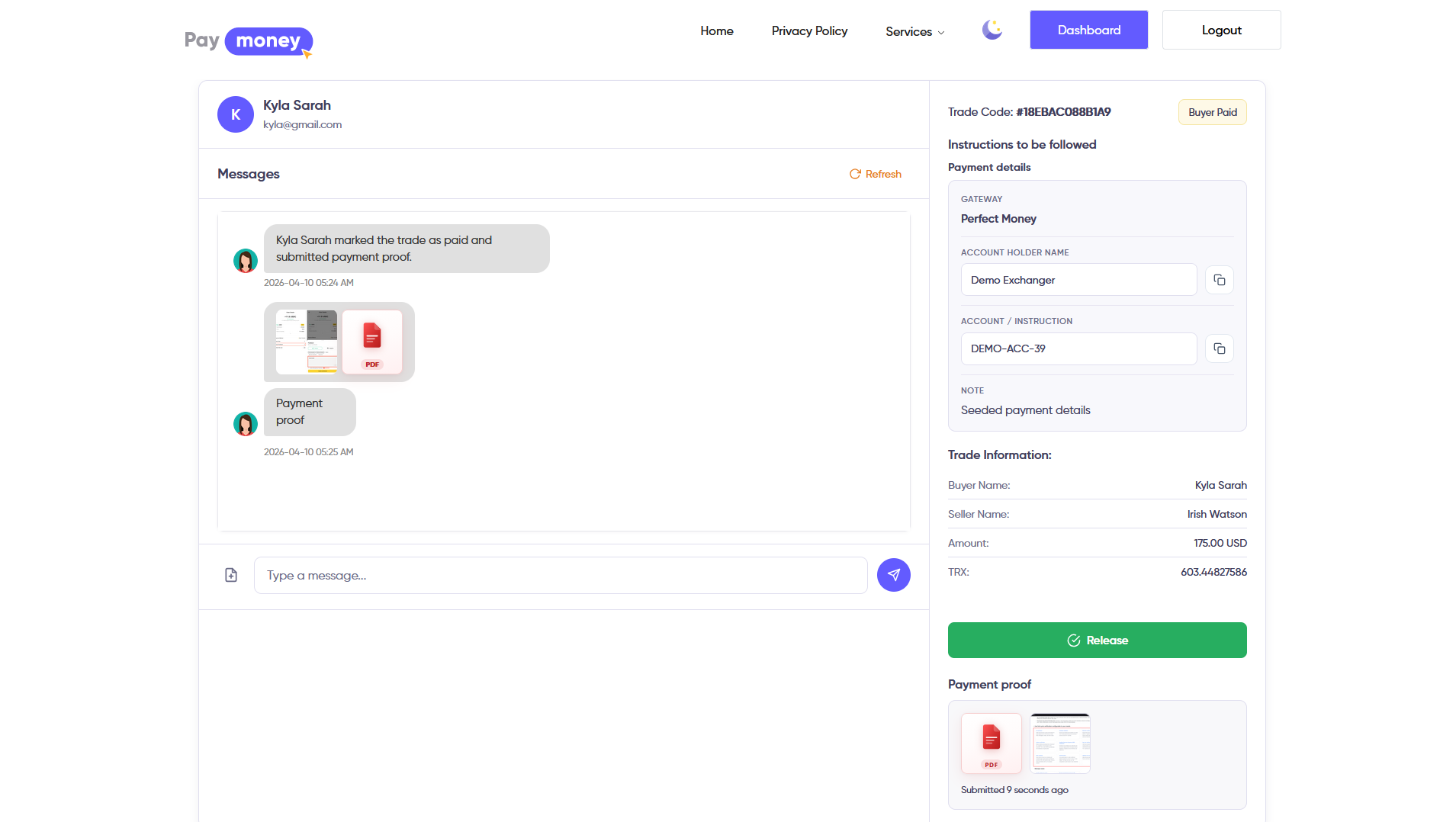
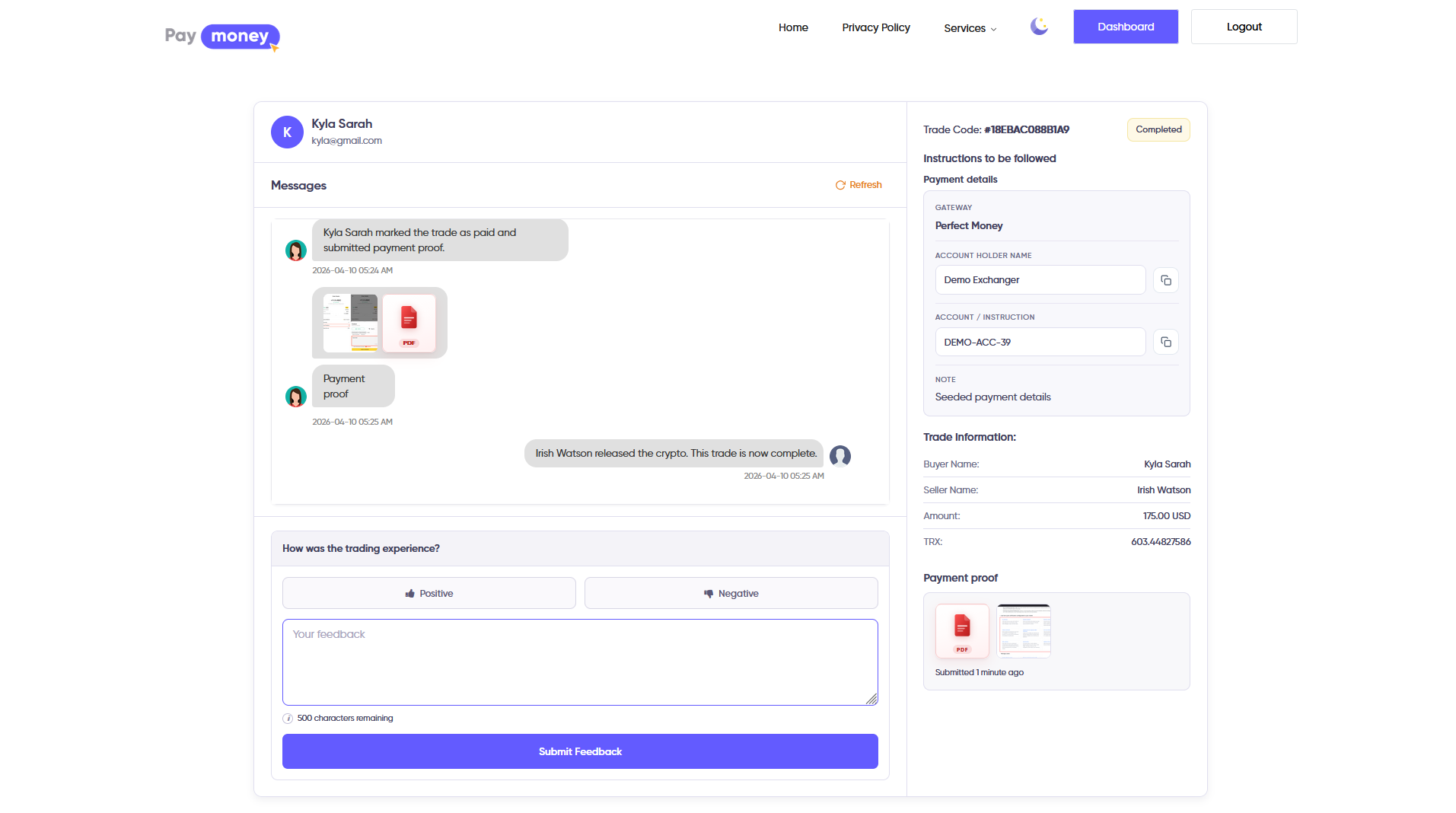
When a trade is pending, the counterparty may cancel (reject) if the product allows it. After the trade is active, the buyer follows payment instructions, then uses I have paid to upload one to five proof files (images or PDF) and an optional note. The seller verifies proof, then uses confirm / release so crypto moves according to fee settings and the trade becomes completed.
-
Offer creator and exchanger see different layouts (buy-detail vs sell-detail) but the same underlying status and timers.
-
Automated chat lines can appear when the trade starts (including optional auto-reply from the advertiser), when someone marks paid, cancels, or releases crypto.
-
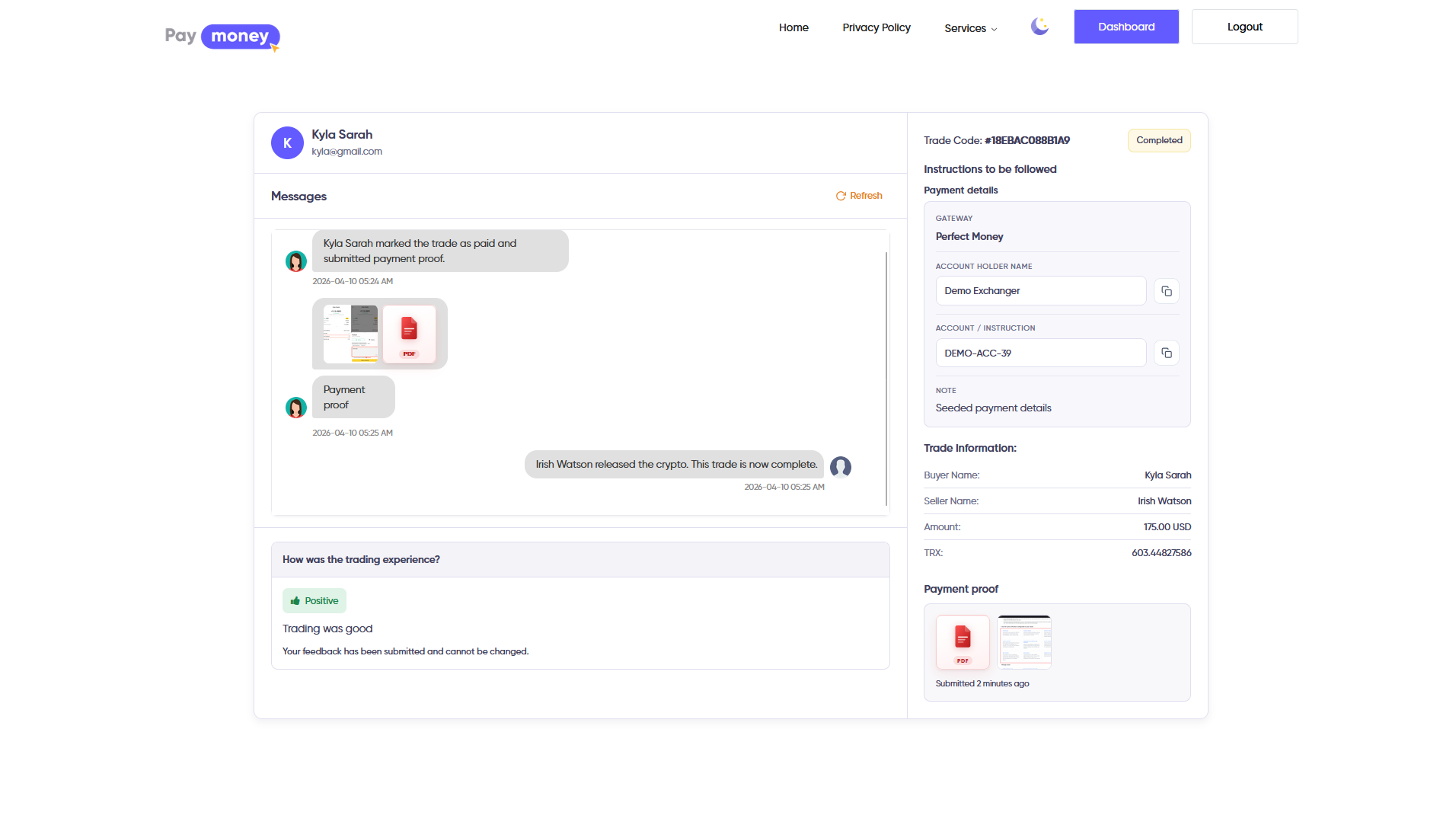
After completion, the exchanger may leave one feedback entry about the experience.
Trade detail and in-trade chat in the user panel
Inside the trade page, chat is visible only to the two participants. They can send text and up to five attachments per message (common types: JPEG, PNG, GIF, WebP, PDF). Chat closes when the trade is completed or expired.
-
Messages are always stored in the database; the page polls for updates on a fixed interval (for example every few seconds).
-
When Socket.IO is enabled, new messages appear immediately, typing indicators can show, and the trade UI can refresh fragments.
Open a P2P dispute from the user panel
If payment or release fails, the user opens P2P disputes, chooses create from the guided entry point, and submits reason and evidence as your form requires. Ongoing discussion uses the same dispute module as the rest of Paymoney.